


- Home
- Sendaro Online
- Receipts

The e-receipt goes out by itself when the parcel is collected.
For online shops in Bulgaria.
Sendaro knows which document you owe for every order. The electronic receipt goes by email, and the fiscal receipt prints on your own fiscal device.
14 days free · No card · No contract
How it works
The right document for every order.
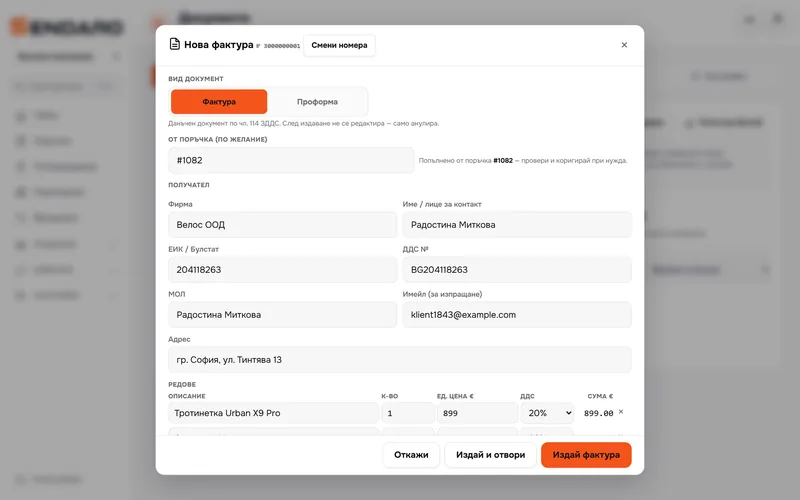
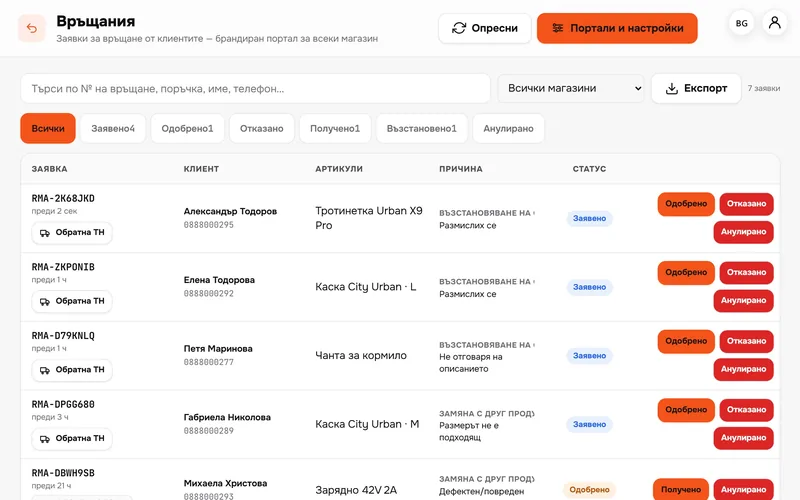
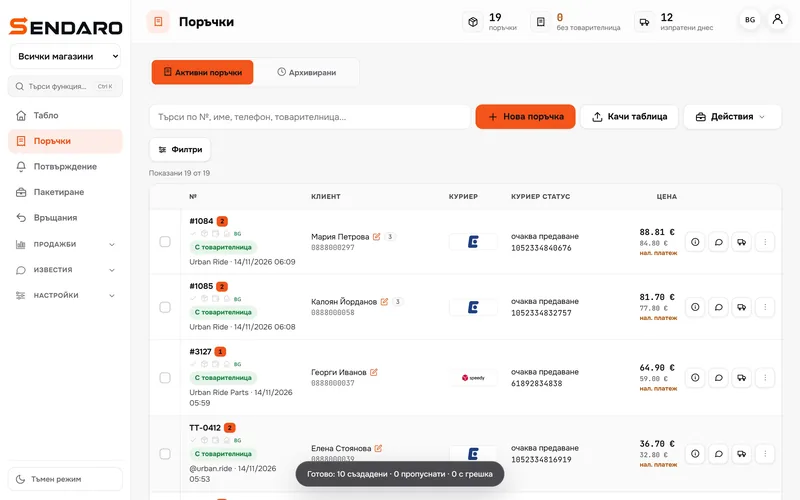
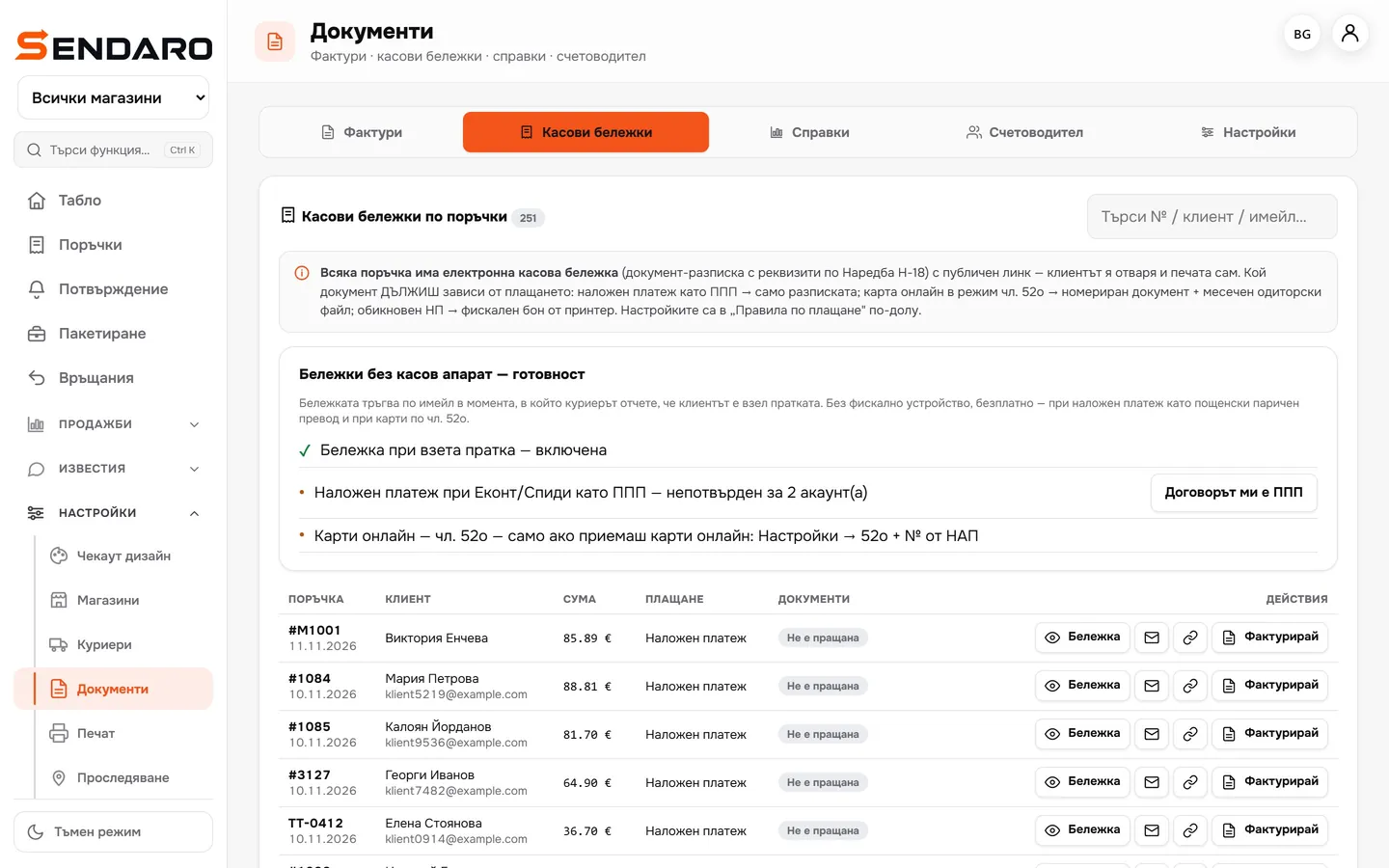
Real Sendaro screens with a demo shop.
- 01
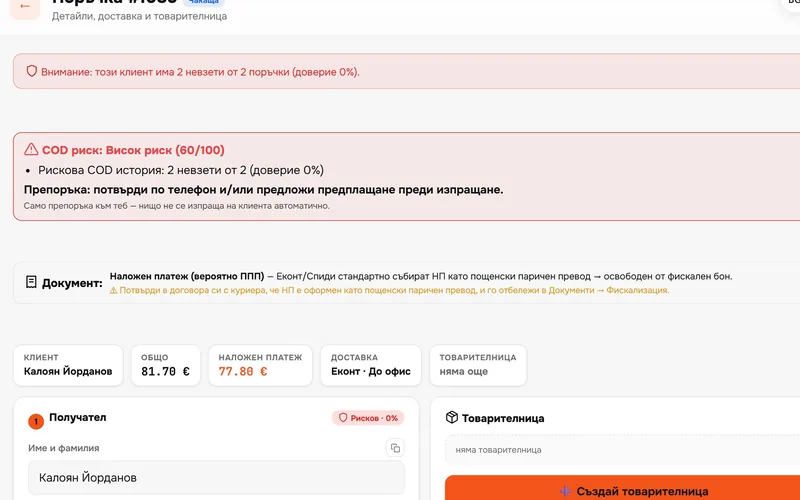
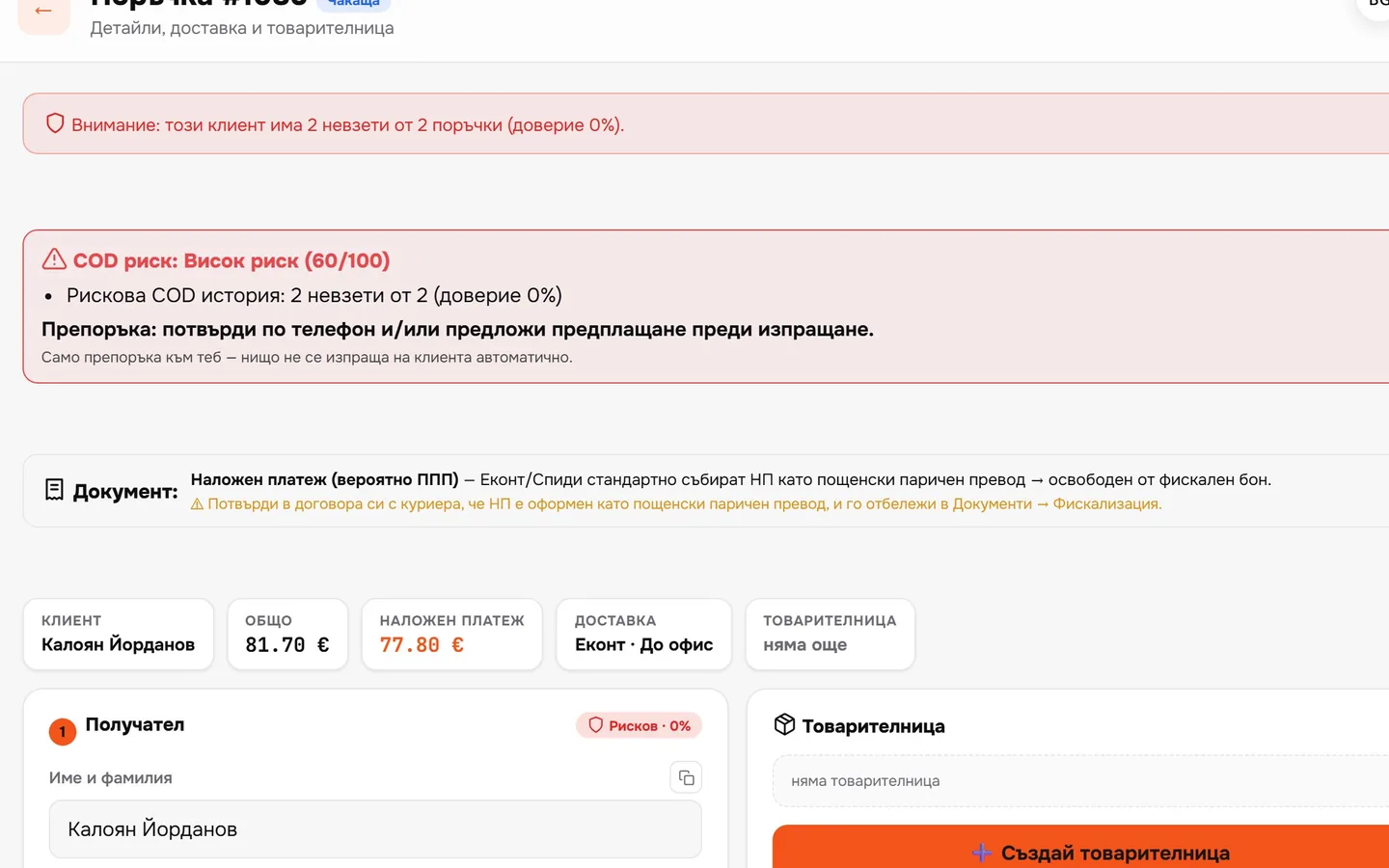
You know what you owe
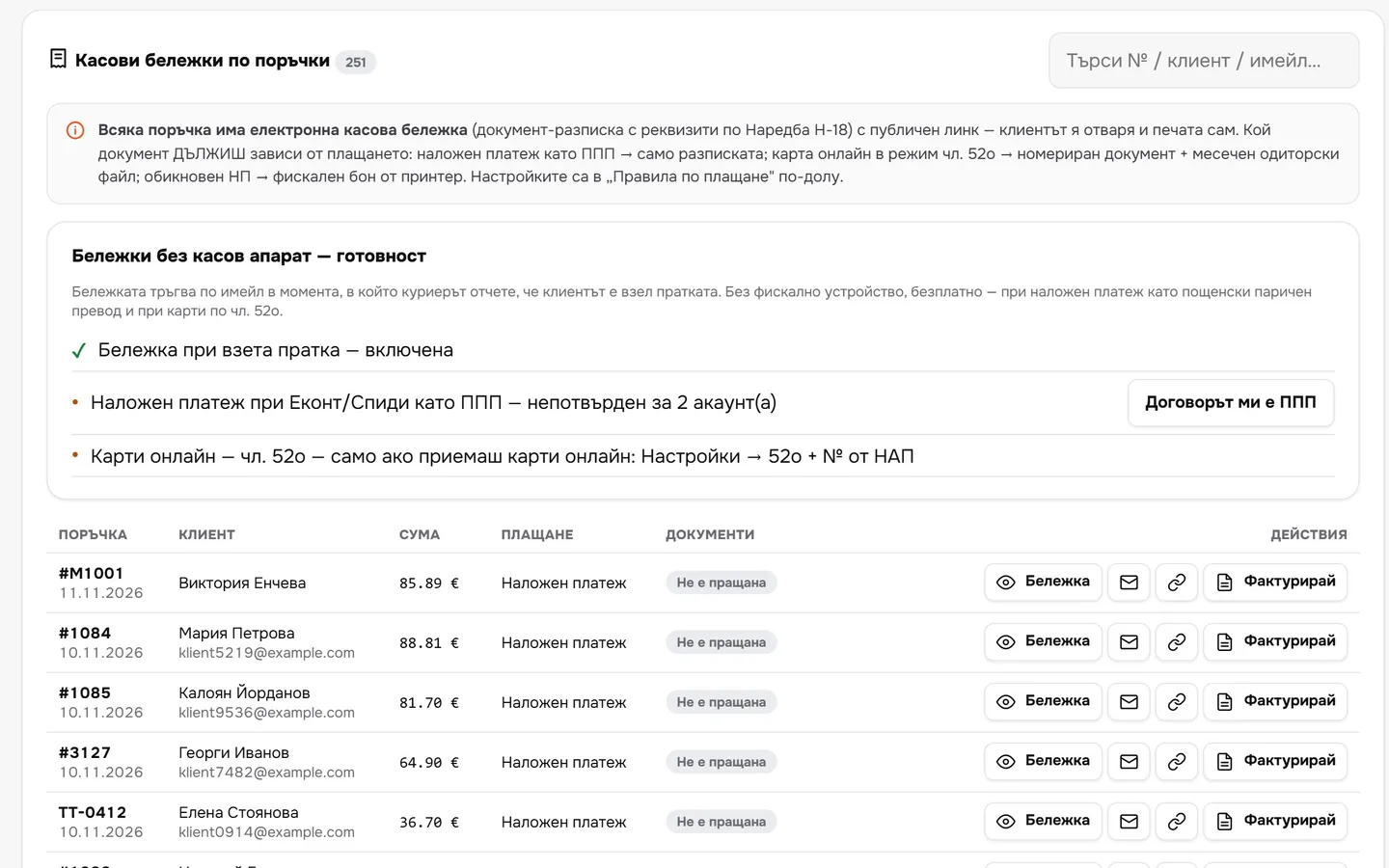
Every order shows which document Ordinance N-18 requires for that payment method.
- 02
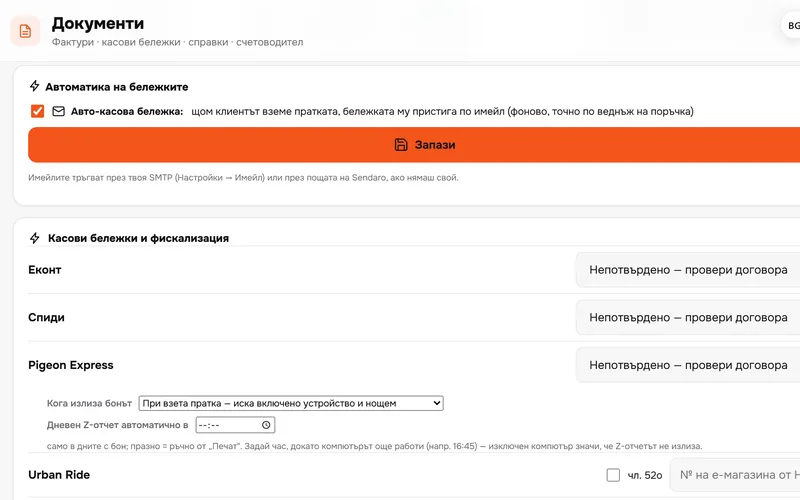
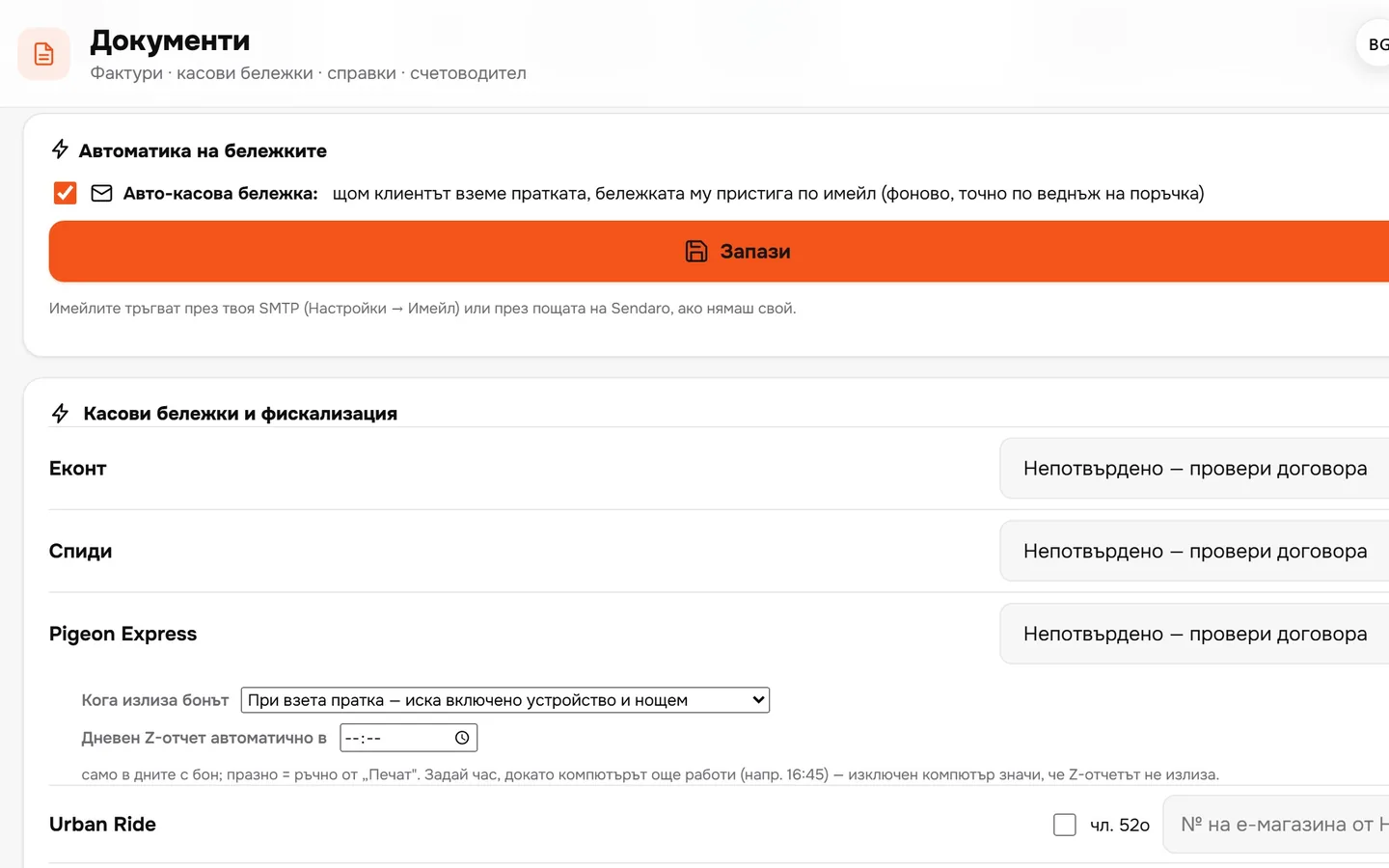
The receipt goes out by email
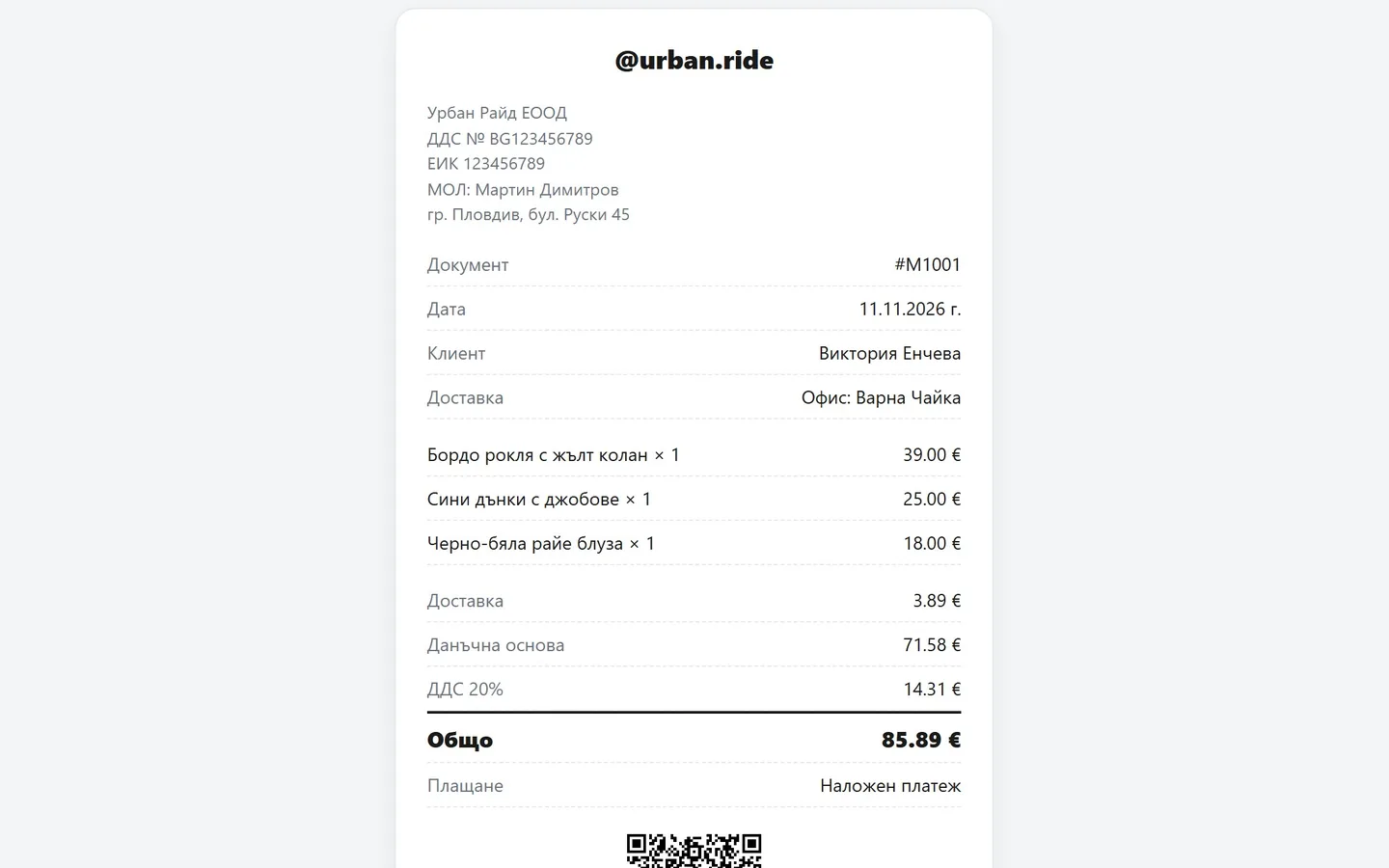
As soon as the courier reports the parcel as collected, the customer gets the receipt. Once per order.
- 03
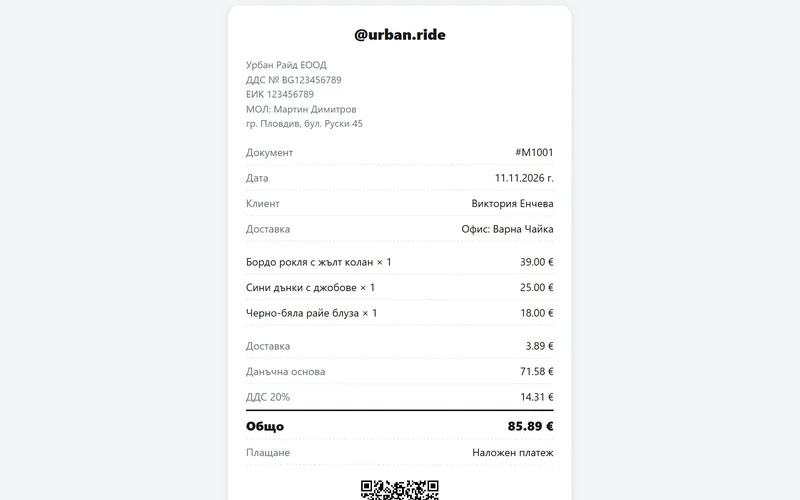
The customer opens and prints it themselves
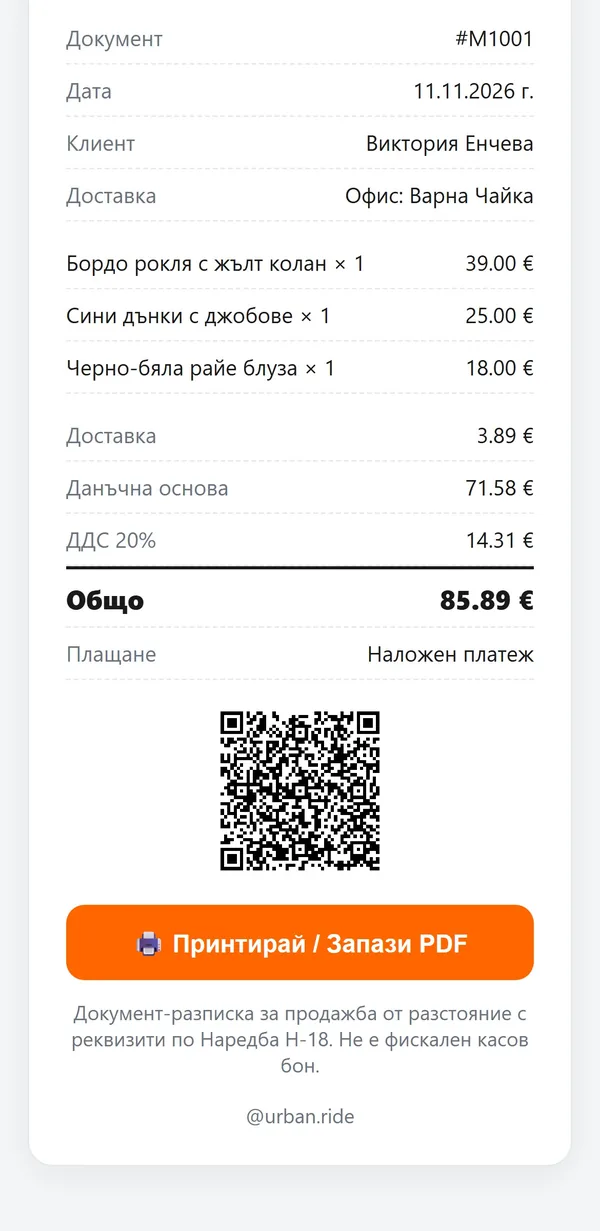
With your company details, the products, delivery and VAT. They can save it as a PDF.
- 04
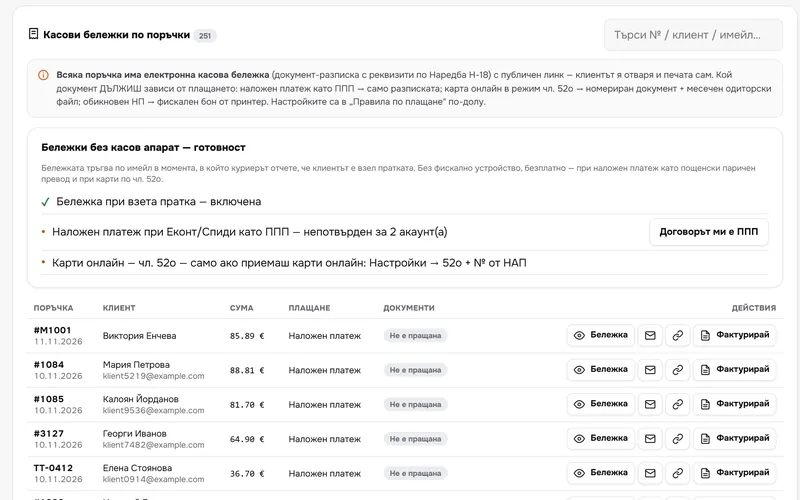
All receipts in one place
You see every receipt and whether it was sent. Open it, resend it or invoice it in one click.
- 05
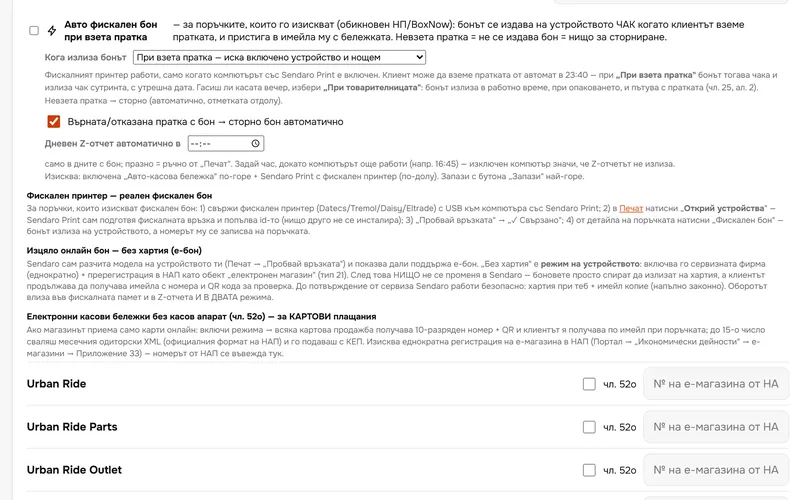
A fiscal receipt from your device
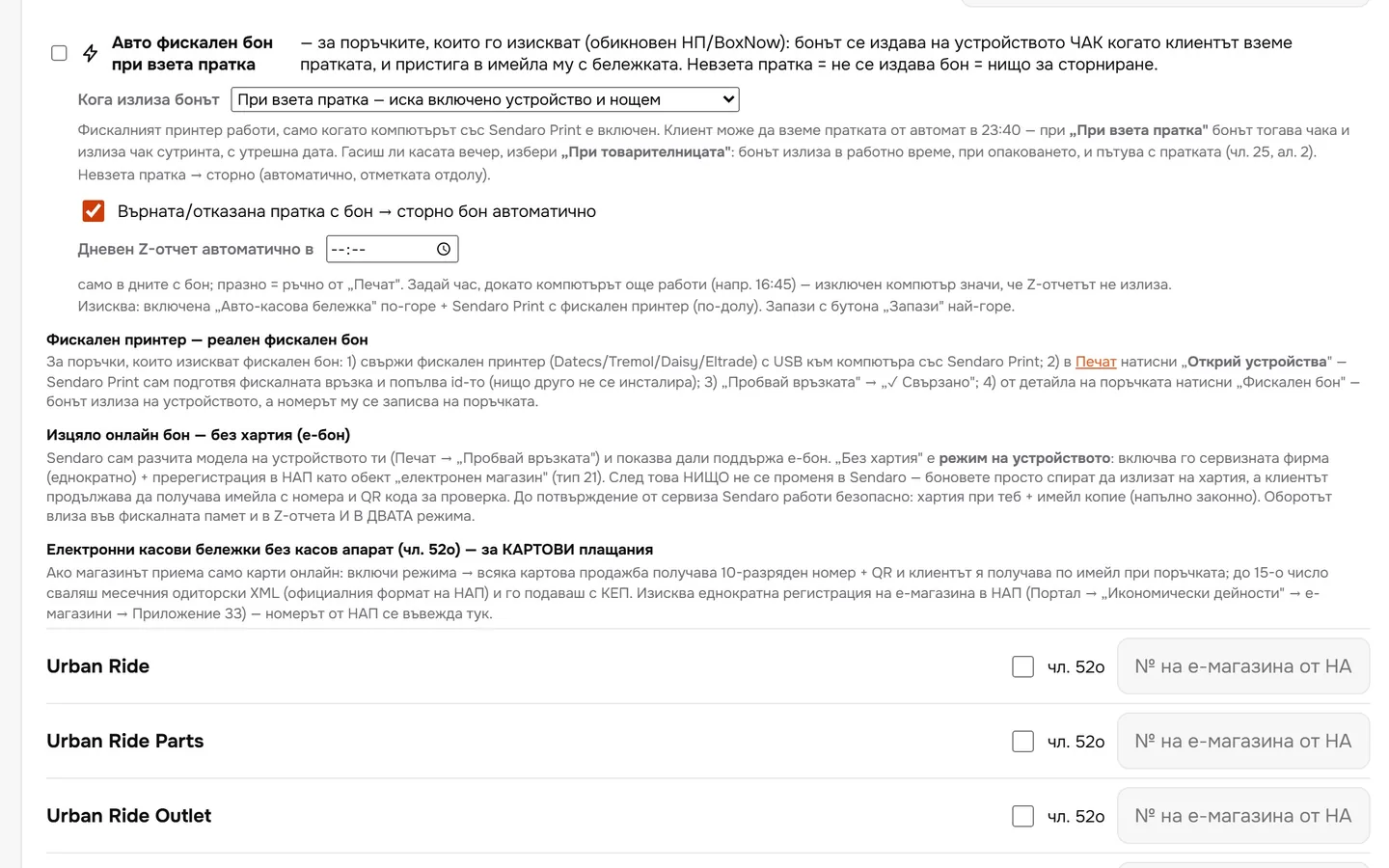
When a fiscal receipt is due, it prints on your fiscal device via Sendaro Print. If a parcel with a fiscal receipt comes back, the reversal receipt prints automatically.
What you get
Less paper, less guesswork.
Clear on what you owe
Cash on delivery as a postal money transfer, standard cash on delivery or online card payment: the right document for each case.
E-receipt, no fiscal device
When no fiscal receipt is due, the customer gets an electronic receipt by email.
Fiscal receipts from your own device
Sendaro Print sends the receipt to your fiscal printer. Nothing to retype.
Reversal for returned parcels
If a parcel comes back after a fiscal receipt was issued, the reversal receipt prints automatically.
Up close
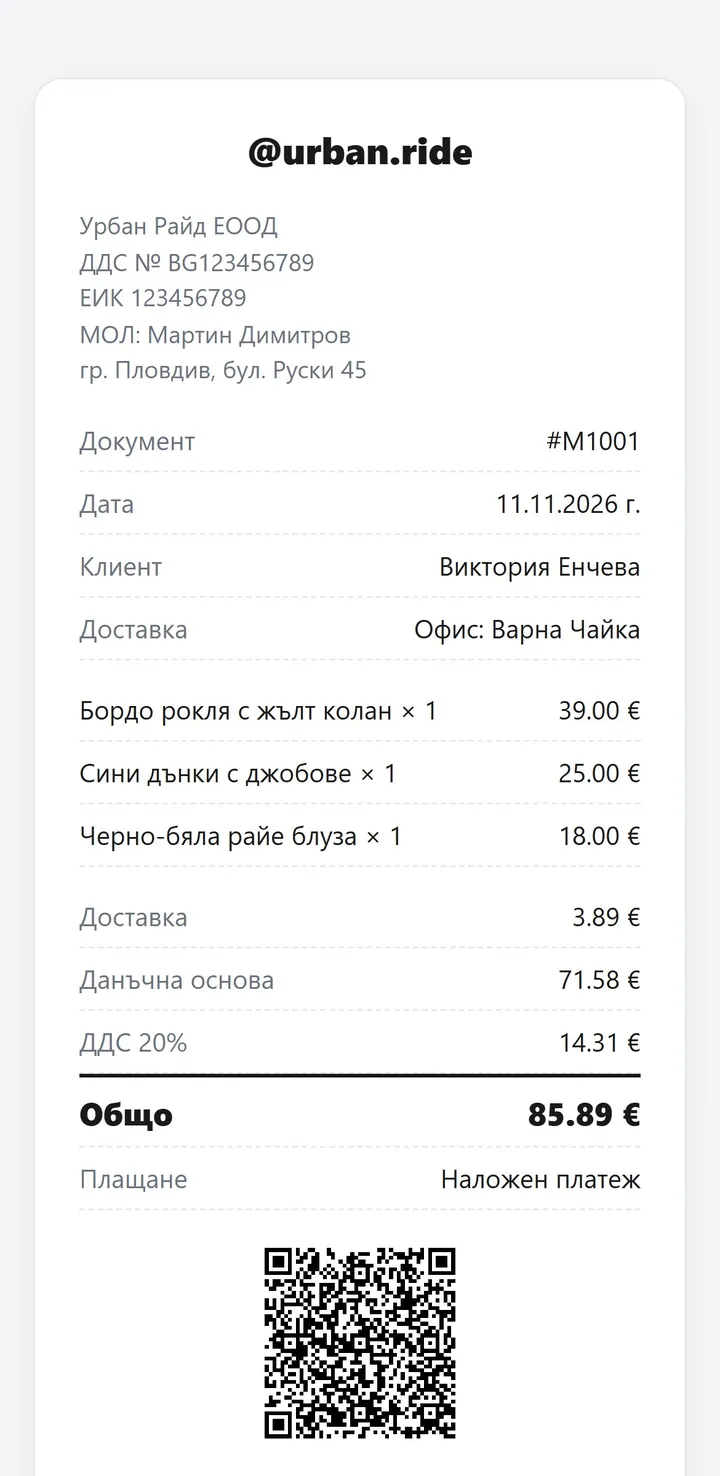
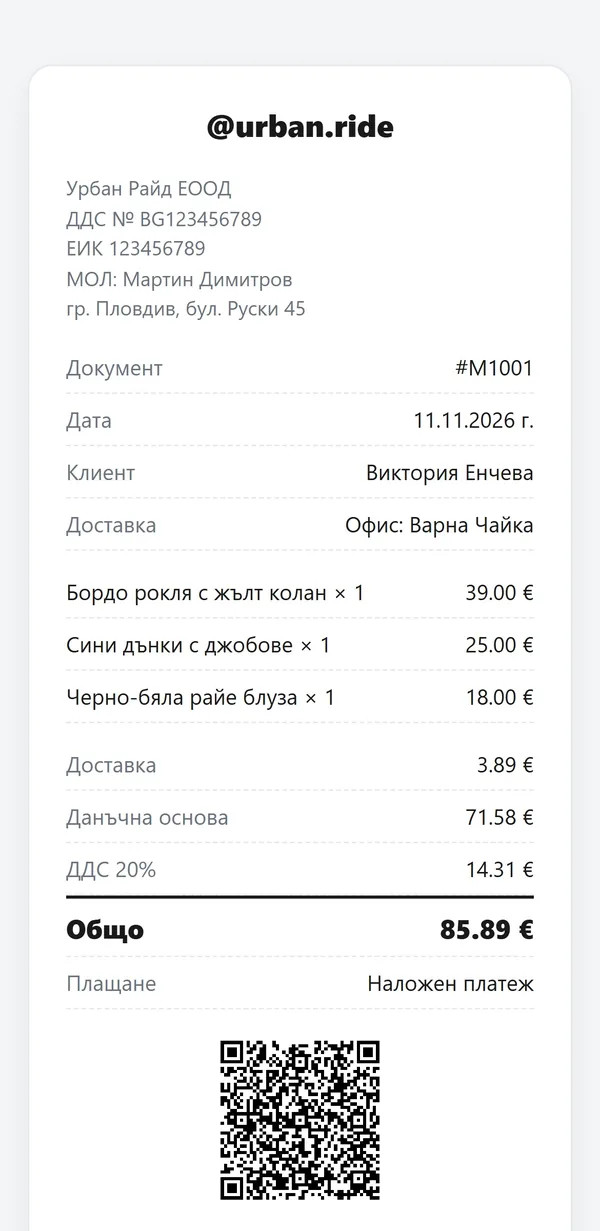
The receipt on the customer’s phone.
Questions
Questions about receipts.
Do I need a cash register?
It depends on the payment method. With cash on delivery set up as a postal money transfer (as in many contracts with Econt and Speedy), no fiscal receipt is due. With standard cash on delivery, one is due: from your own register, or from Econt on your behalf if you have that agreement with them. Confirm your setup with your accountant.
How is the fiscal receipt printed?
On your own fiscal device. Connect it by USB to the computer running Sendaro Print, then click ‘Discover devices’ in ‘Print’. Printers that work with ErpNet.FP are supported, for example Datecs, Tremol, Daisy and Eltrade.
When is the fiscal receipt printed?
When you create the waybill or when the customer collects the parcel – you choose. If the computer is off, the receipt waits and prints as soon as you turn it on.
What about online card payments?
Sendaro issues a numbered document under Art. 52o and the monthly audit file. You need your online shop’s number from the Bulgarian National Revenue Agency (NRA).
Is this legal advice?
No. Sendaro shows the document according to Ordinance N-18, but confirm your setup with your accountant.