


- Home
- Sendaro Online
- Order tracking

Customers track their parcel with you, not the courier.
For online shops in Bulgaria.
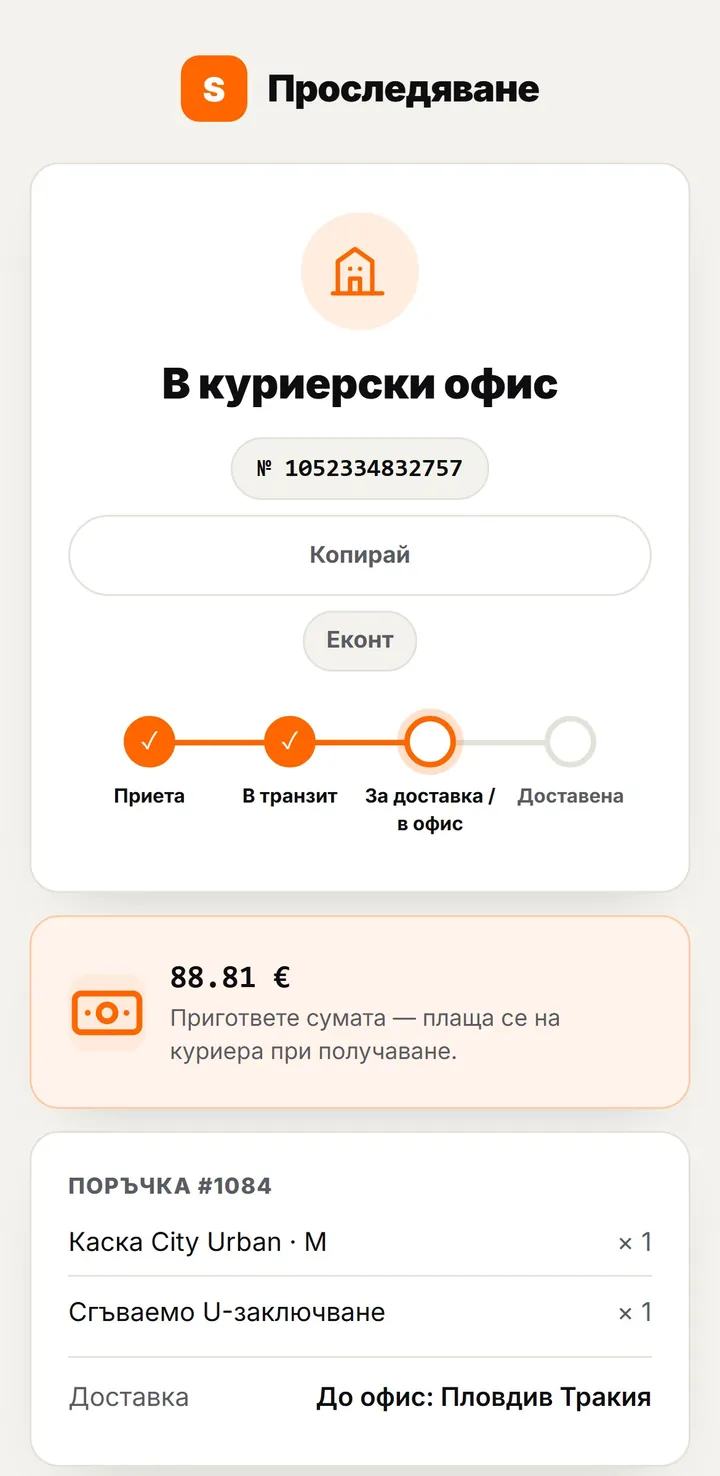
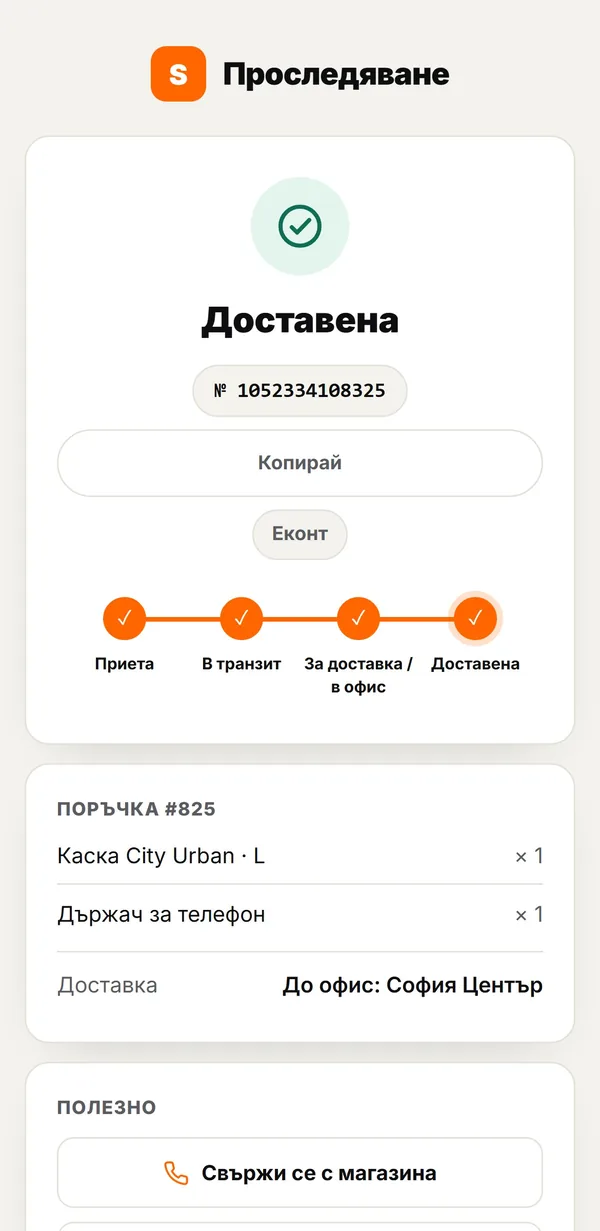
The parcel tracking link goes out automatically by SMS and email. It opens a page with your shop’s logo and colours, the live status and the cash-on-delivery amount.
14 days free · No card · No contract
How it works
From the link to a delivered parcel.
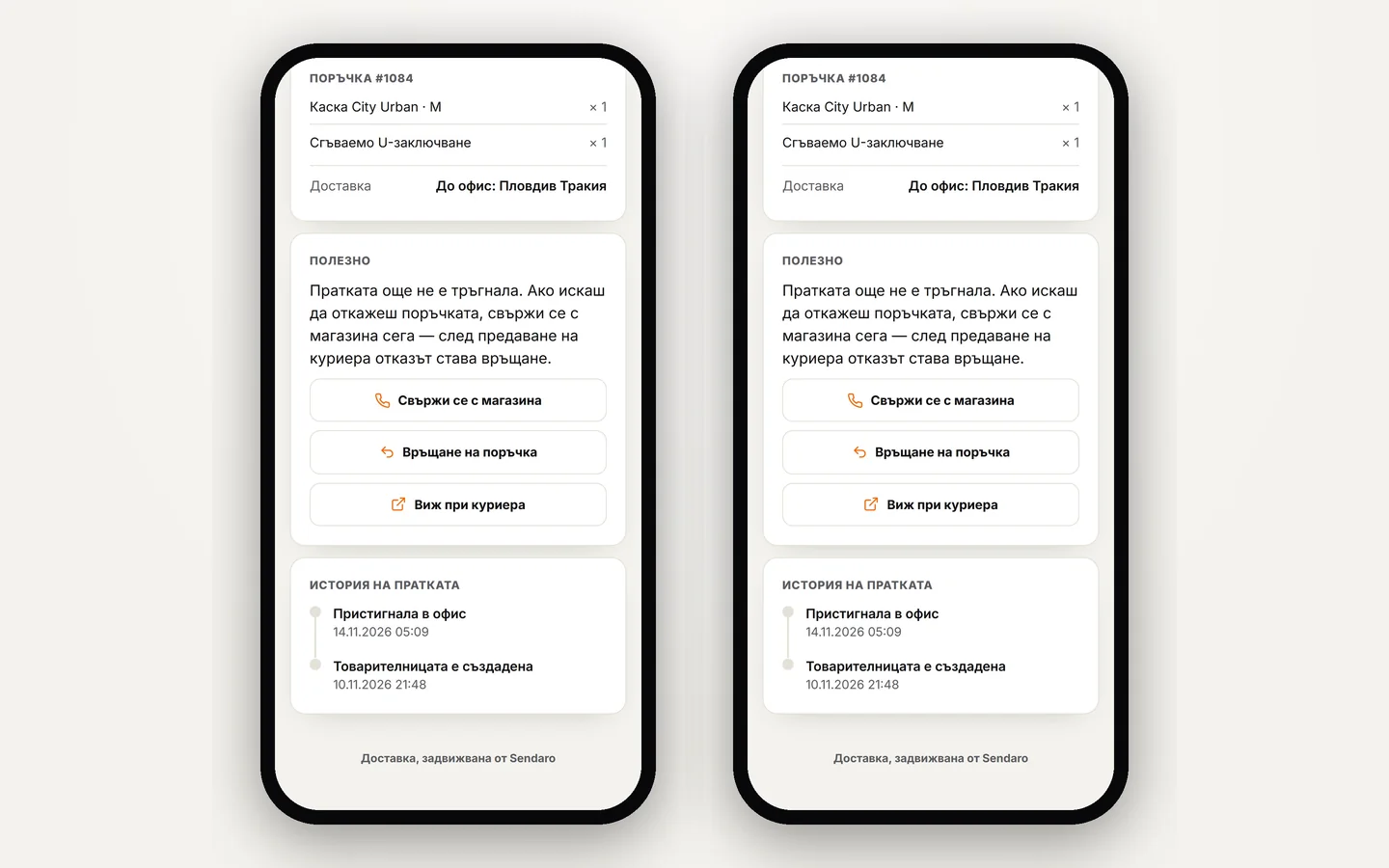
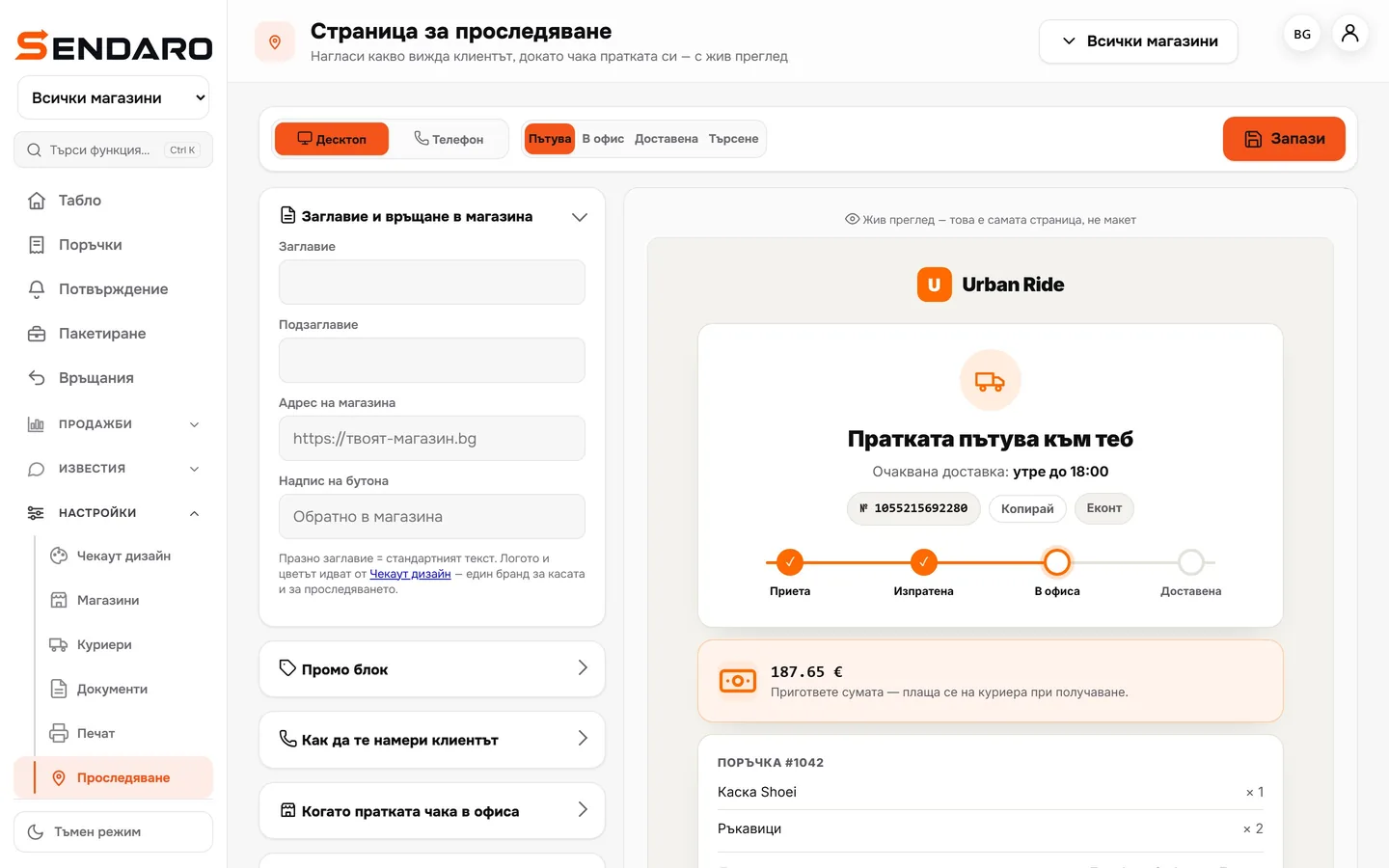
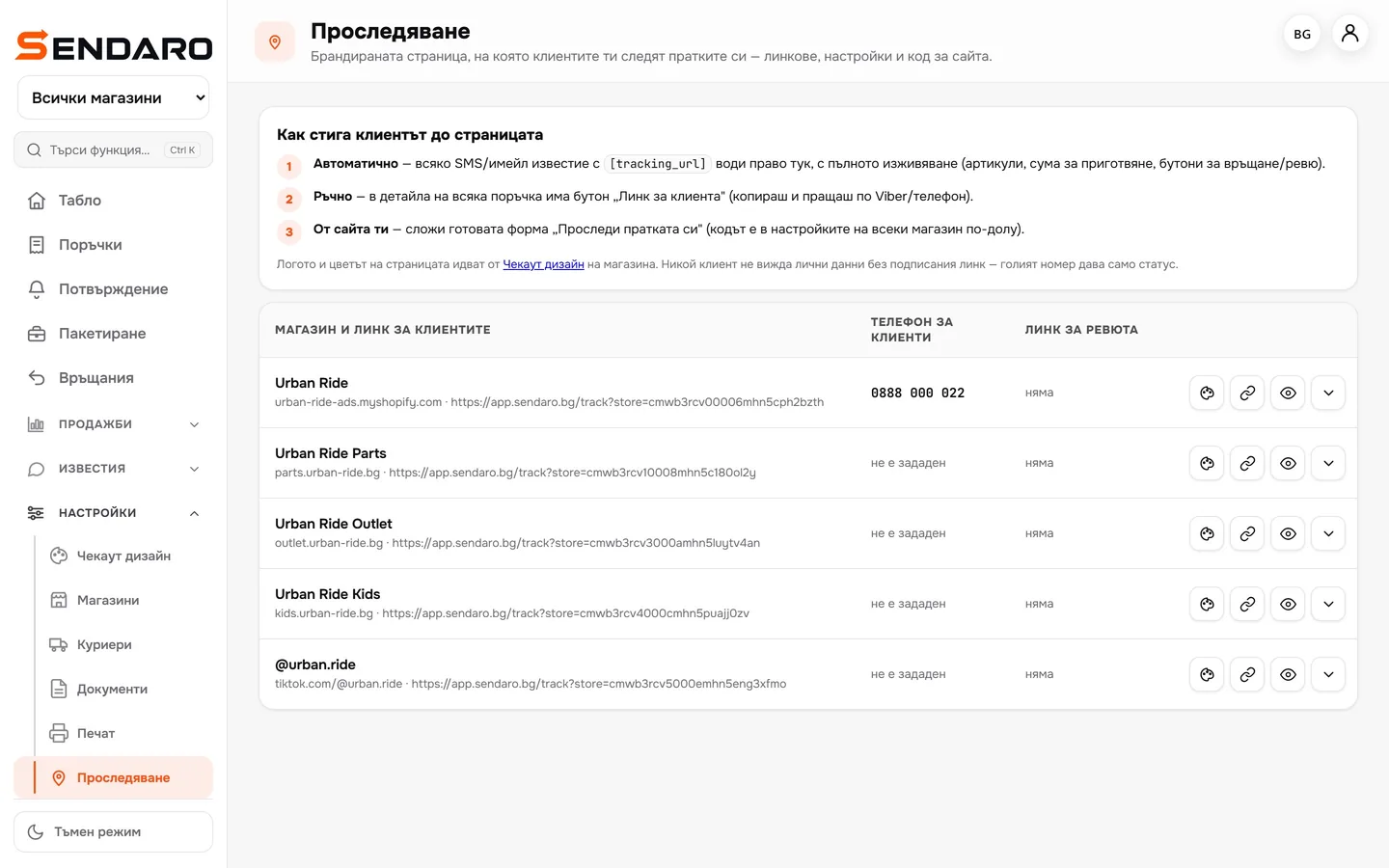
Real Sendaro screens with demo data.
- 01
The link is in the message
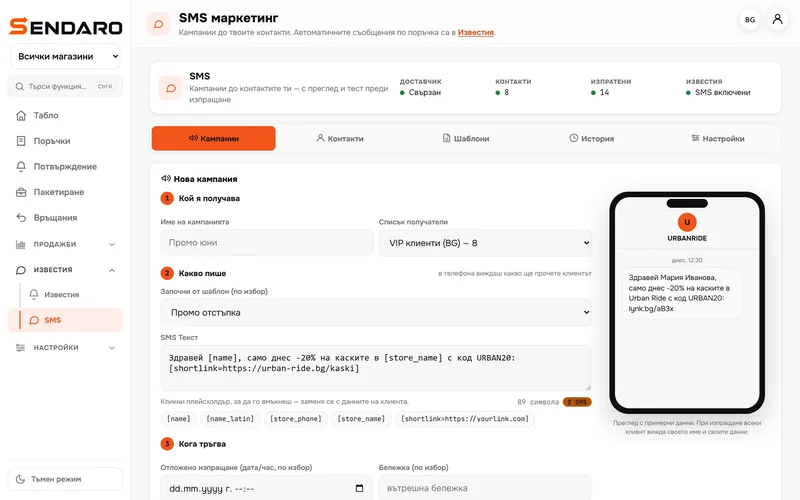
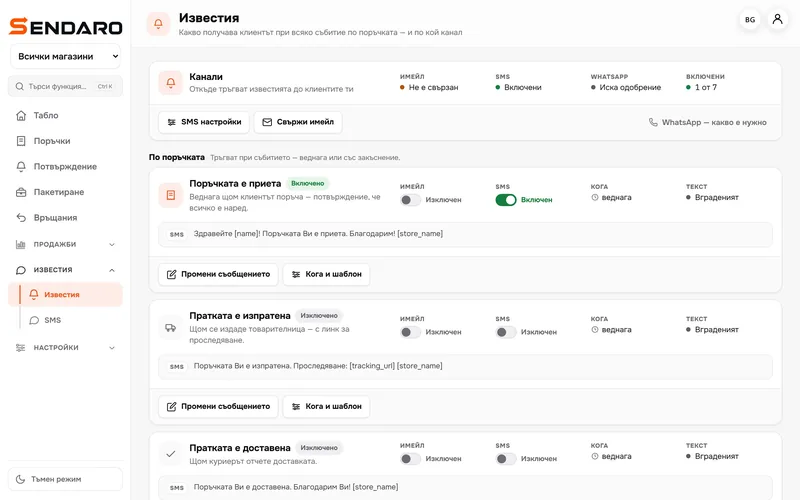
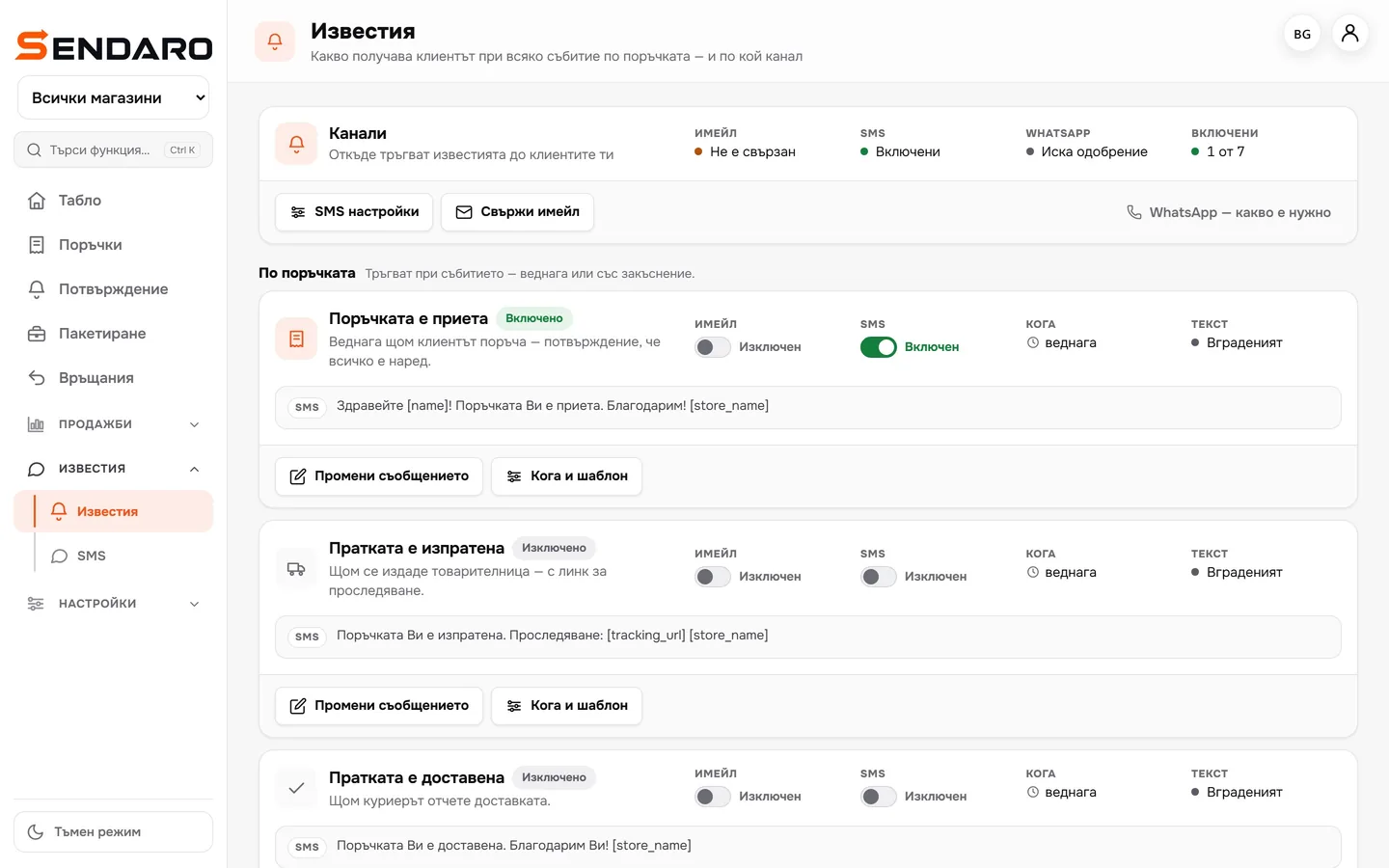
The ‘Shipment sent’ text contains [tracking_url]. It goes out automatically as soon as you create a waybill.
- 02
Live status
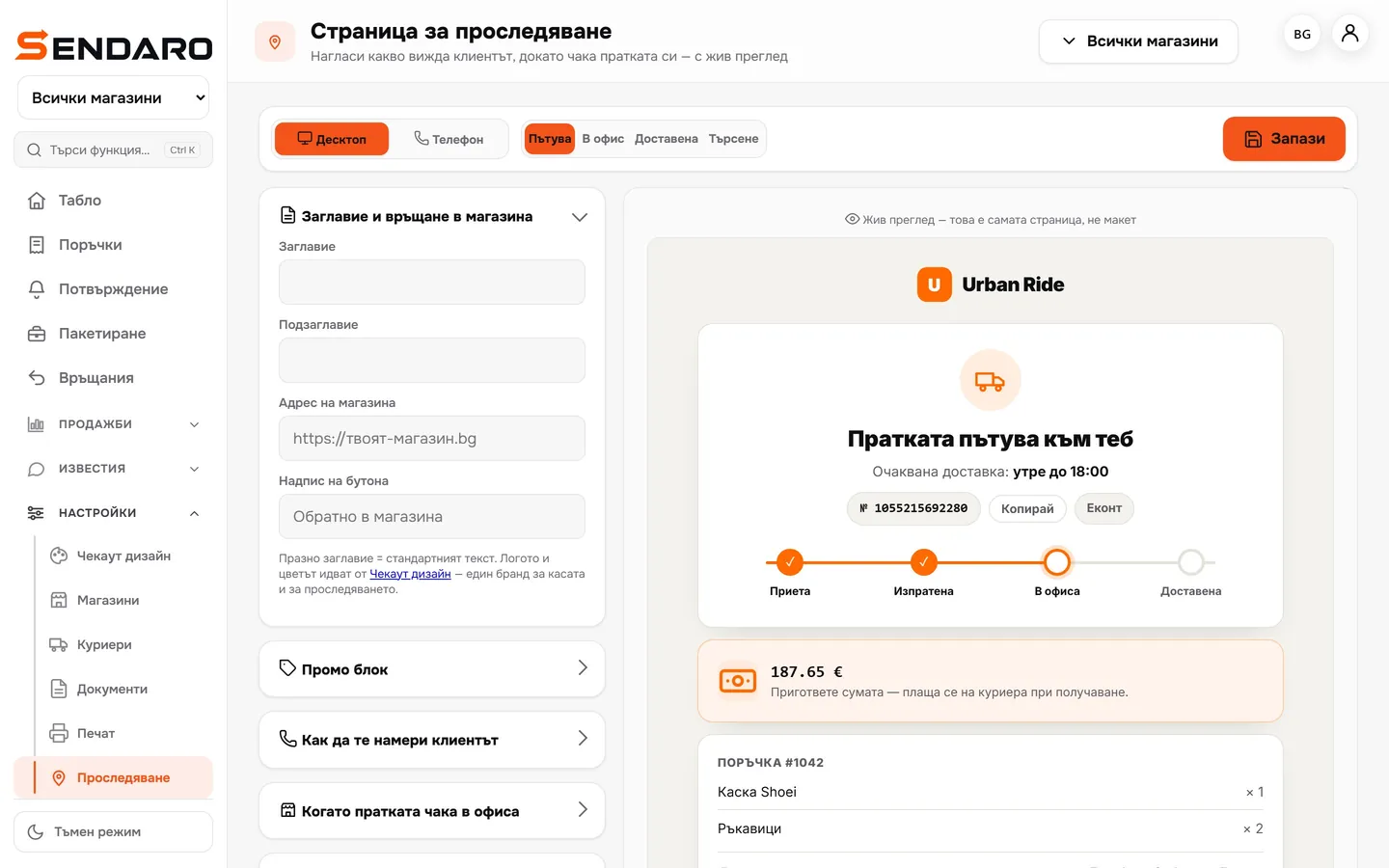
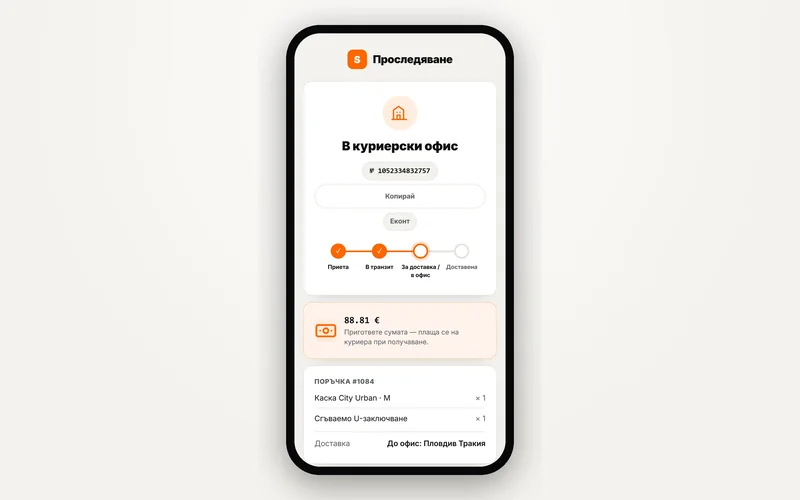
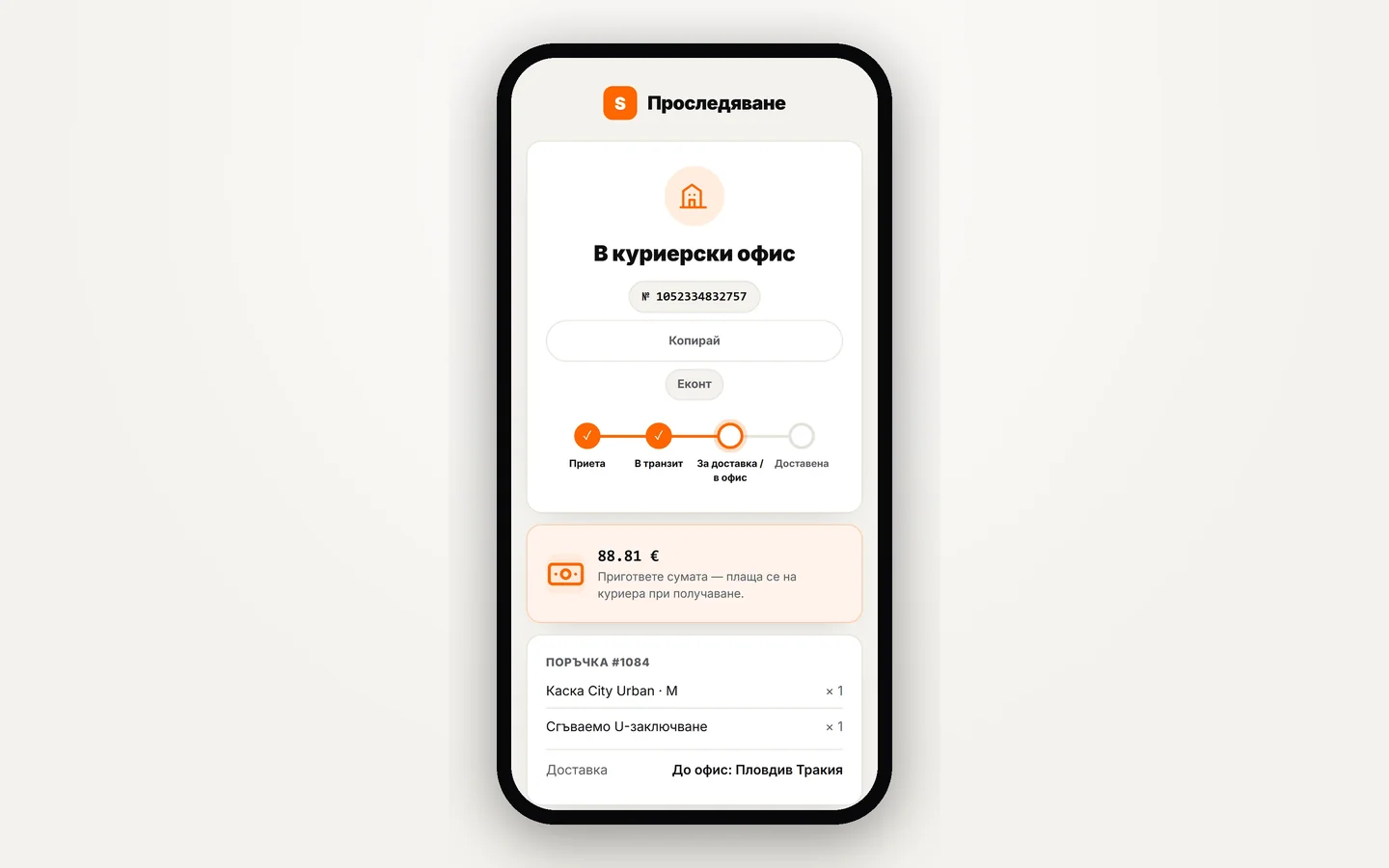
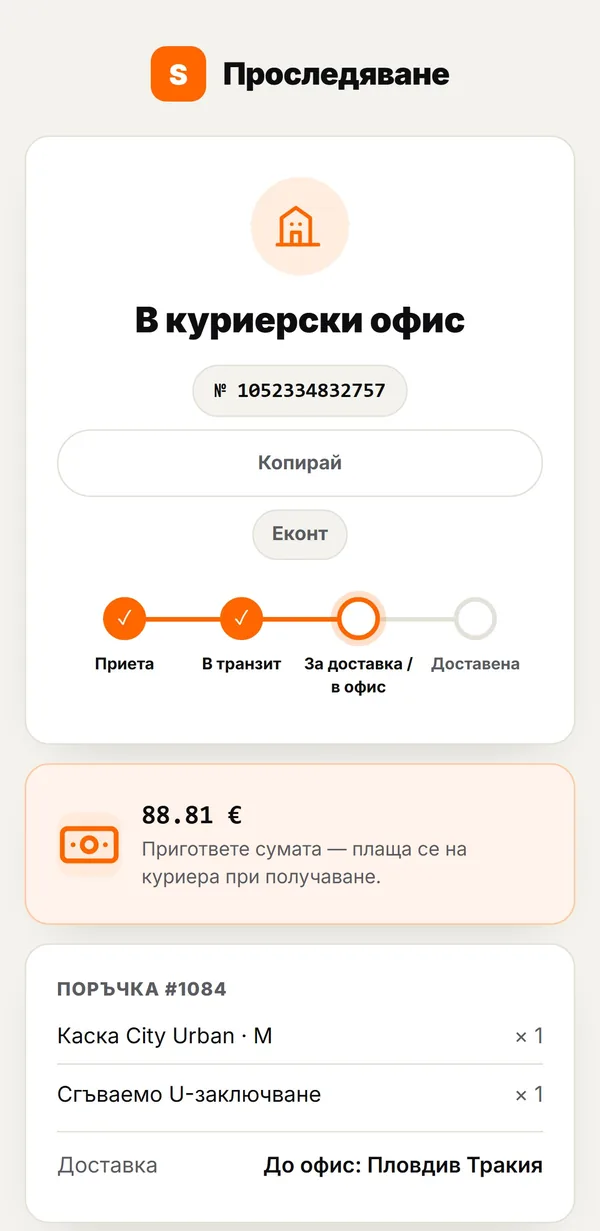
Accepted, in transit, at the office, delivered. For cash on delivery, it shows ‘Have the amount ready’.
- 03
Everything about the order in one place
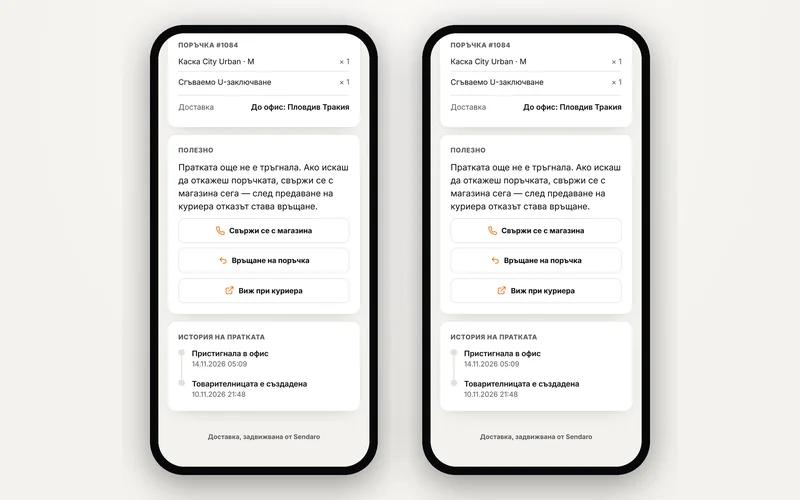
The items, the office and buttons to contact the shop, start a return or view the parcel with the courier.
- 04
Set it up the way you want
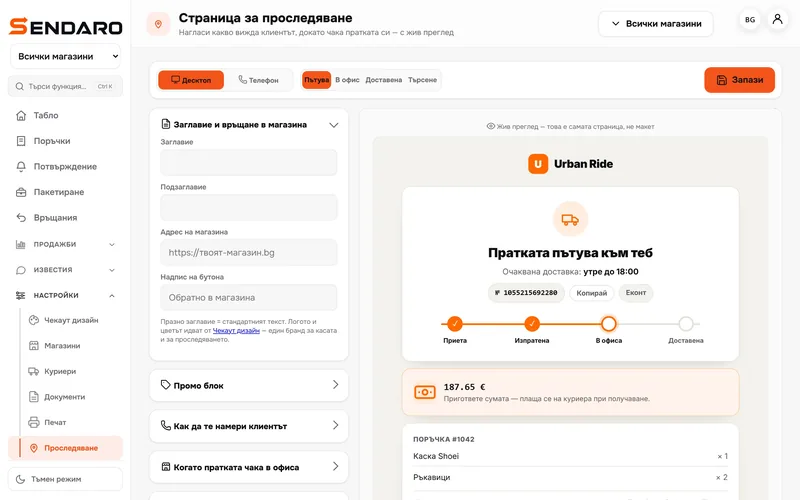
Title, a promo block with a code, contacts, office text and what to hide. The preview updates live.
- 05
A link for every shop
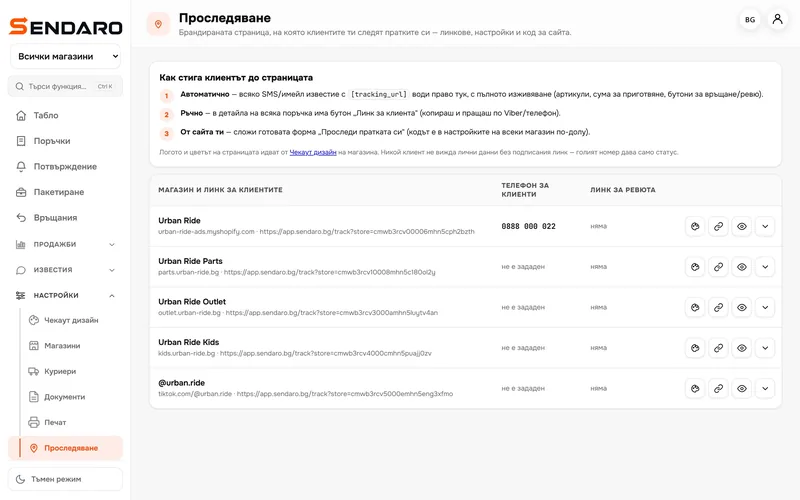
Each shop has its own link and its own brand. The logo and colours come from ‘Checkout design’.
What you get
Fewer ‘Where’s my parcel?’ messages
Fewer questions
Customers check the status themselves, any time.
Your brand
The logo and colours from your checkout. One brand everywhere.
The amount is clear
‘Have the amount ready’ is on the page before the courier arrives.
Returns in one tap
Customers start a return from the same page.
Up close
How your customer sees it.
Works with
The status comes from the courier
Questions
Questions about tracking.
Where does the status come from?
From the courier: Econt, Speedy, Pigeon, Sameday and BOX NOW. The page is never empty, even when the courier gives no details.
Can anyone see someone else’s data?
The full page opens only with the signed link from the message. A bare tracking number shows only the status, with no names or amounts.
Can I add a promo code?
Yes. The promo block has a title, text, a code and a button.
Do I need SMS?
Not necessarily. The link can also go out by email, and each order has a ‘Customer link’ button.