


- Home
- Sendaro Online
- Returns

Customers request the return themselves, and you just approve it.
For online shops in Bulgaria.
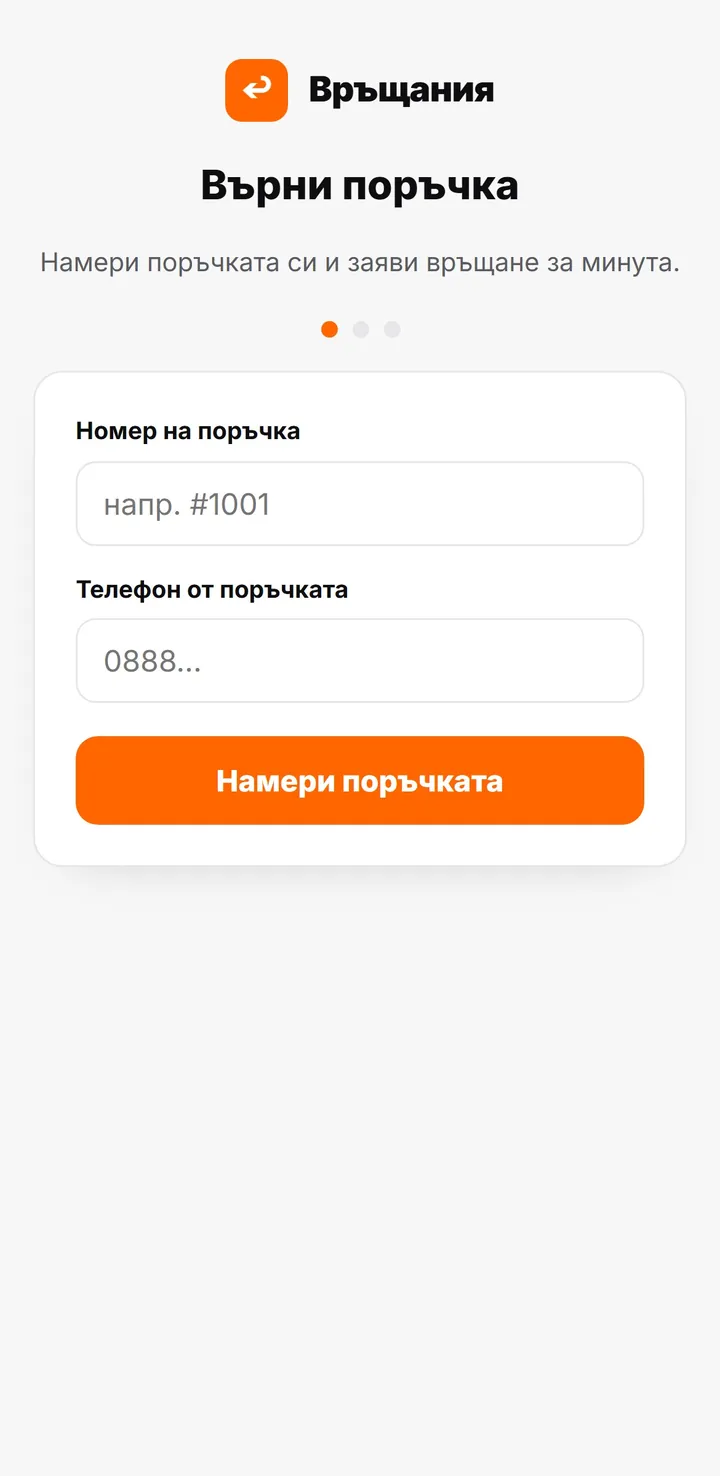
A returns portal for every shop. Customers find their order using the order number and phone number, choose what they’re returning and why, and the request comes to you.
14 days free · No card · No contract
How it works
From request to refund.
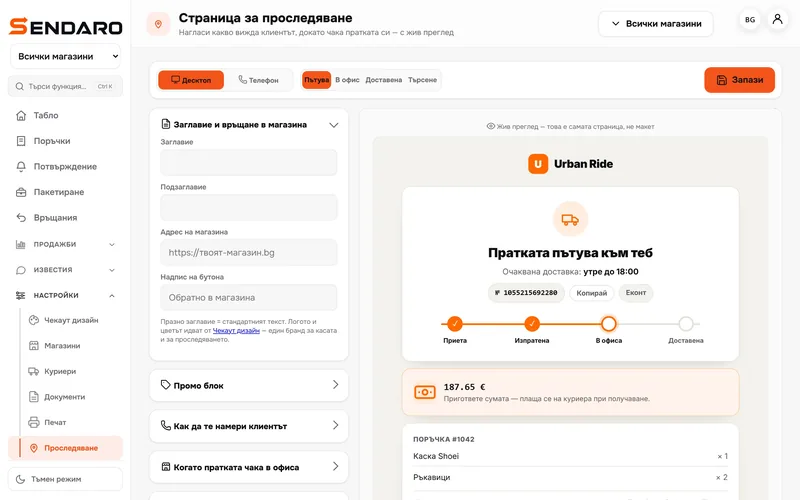
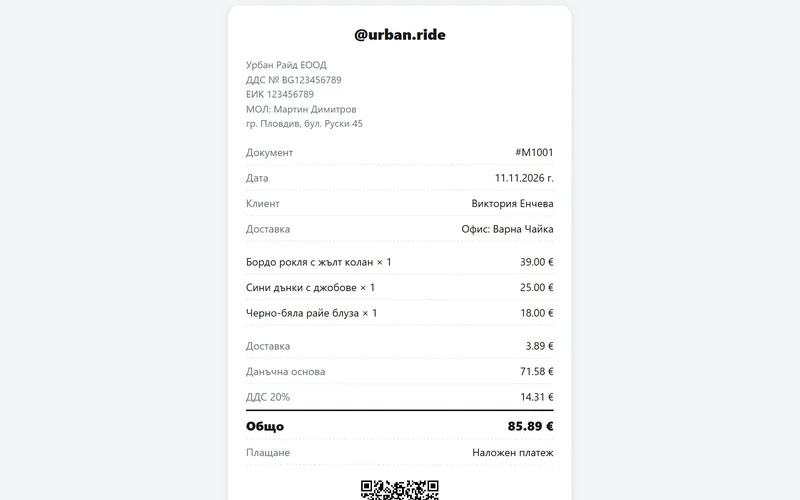
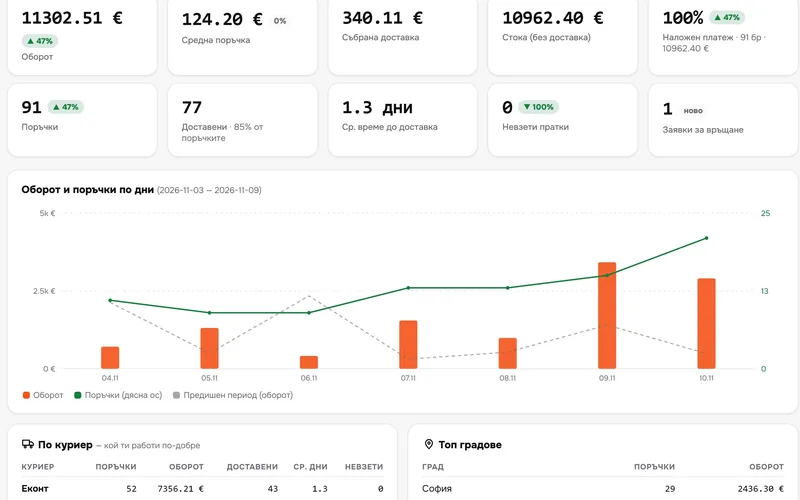
Real Sendaro screens with a demo shop. Here is what you and your customer see.
- 01
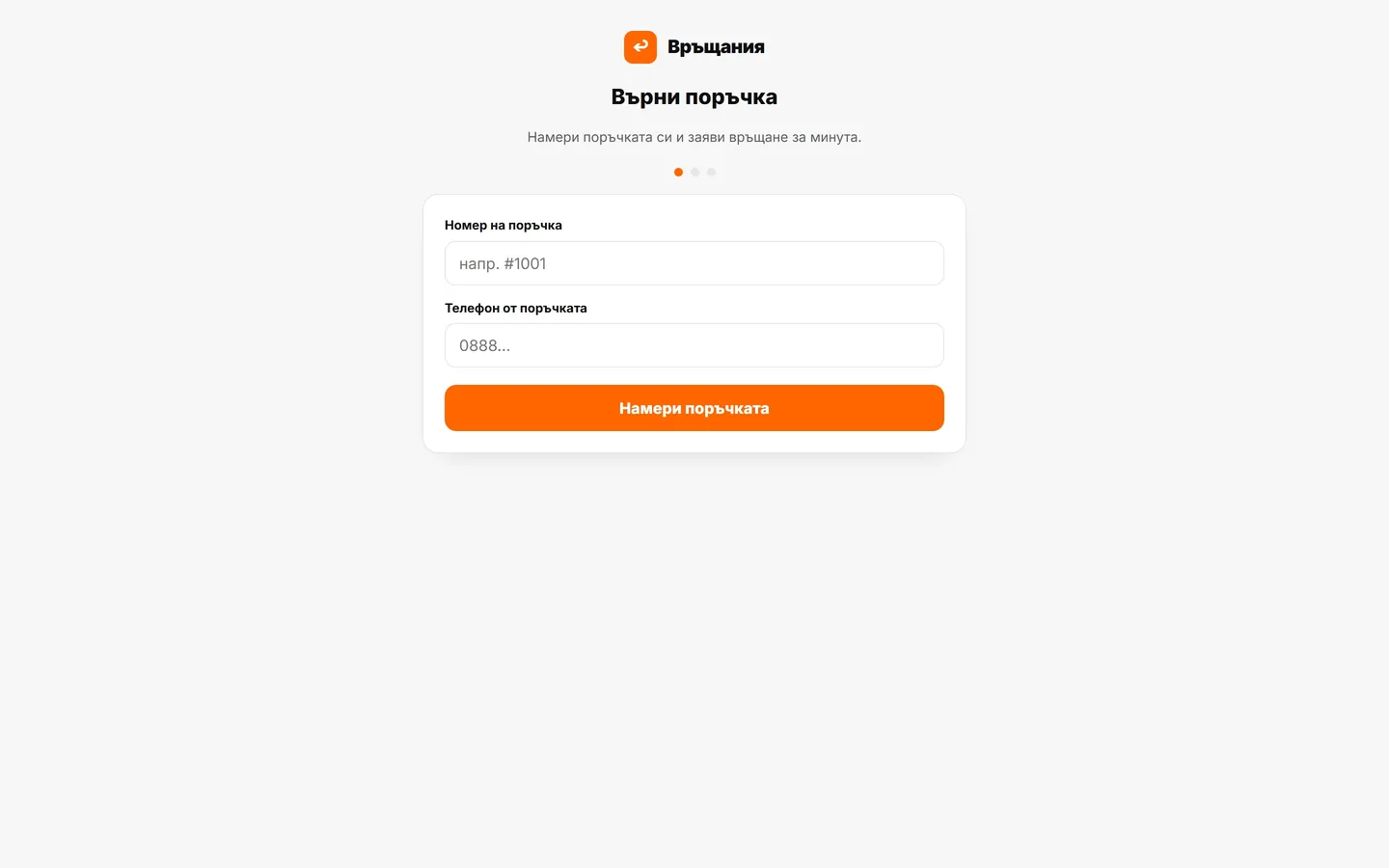
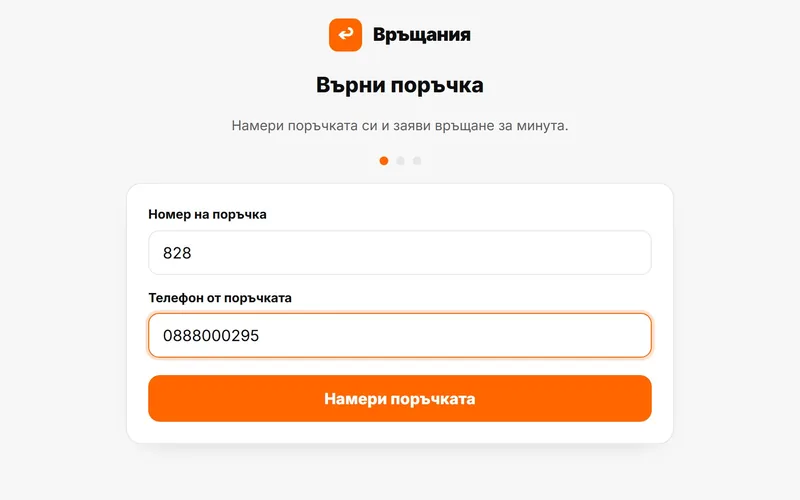
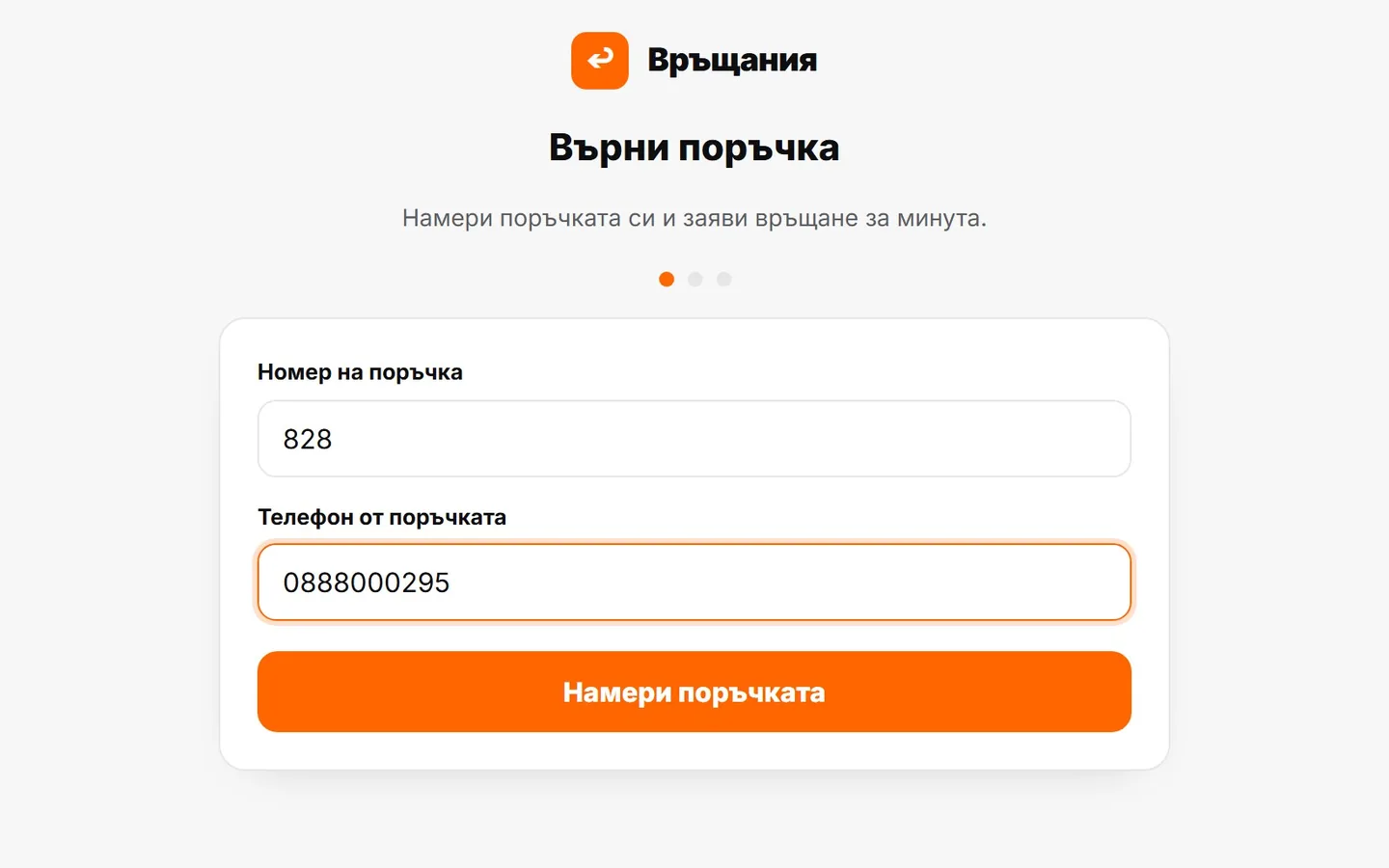
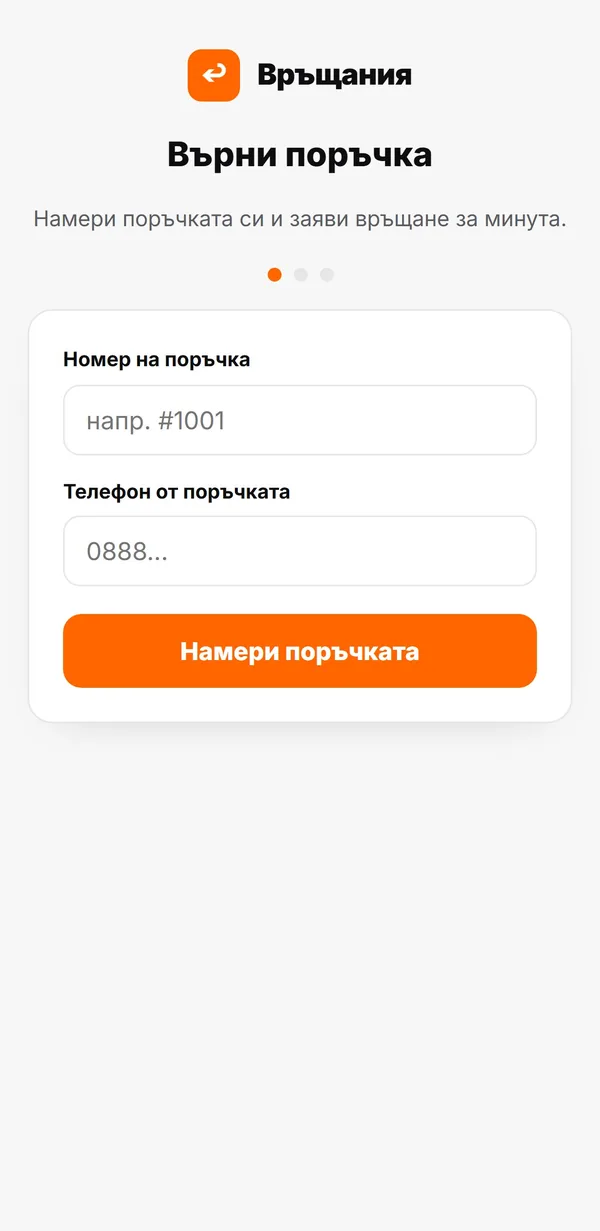
The customer finds their order
They enter the order number and the phone number on it. A stranger can’t open your order.
- 02
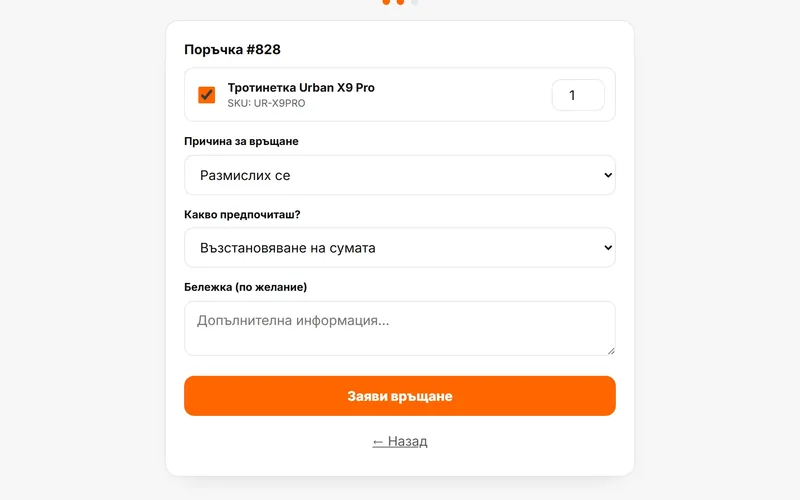
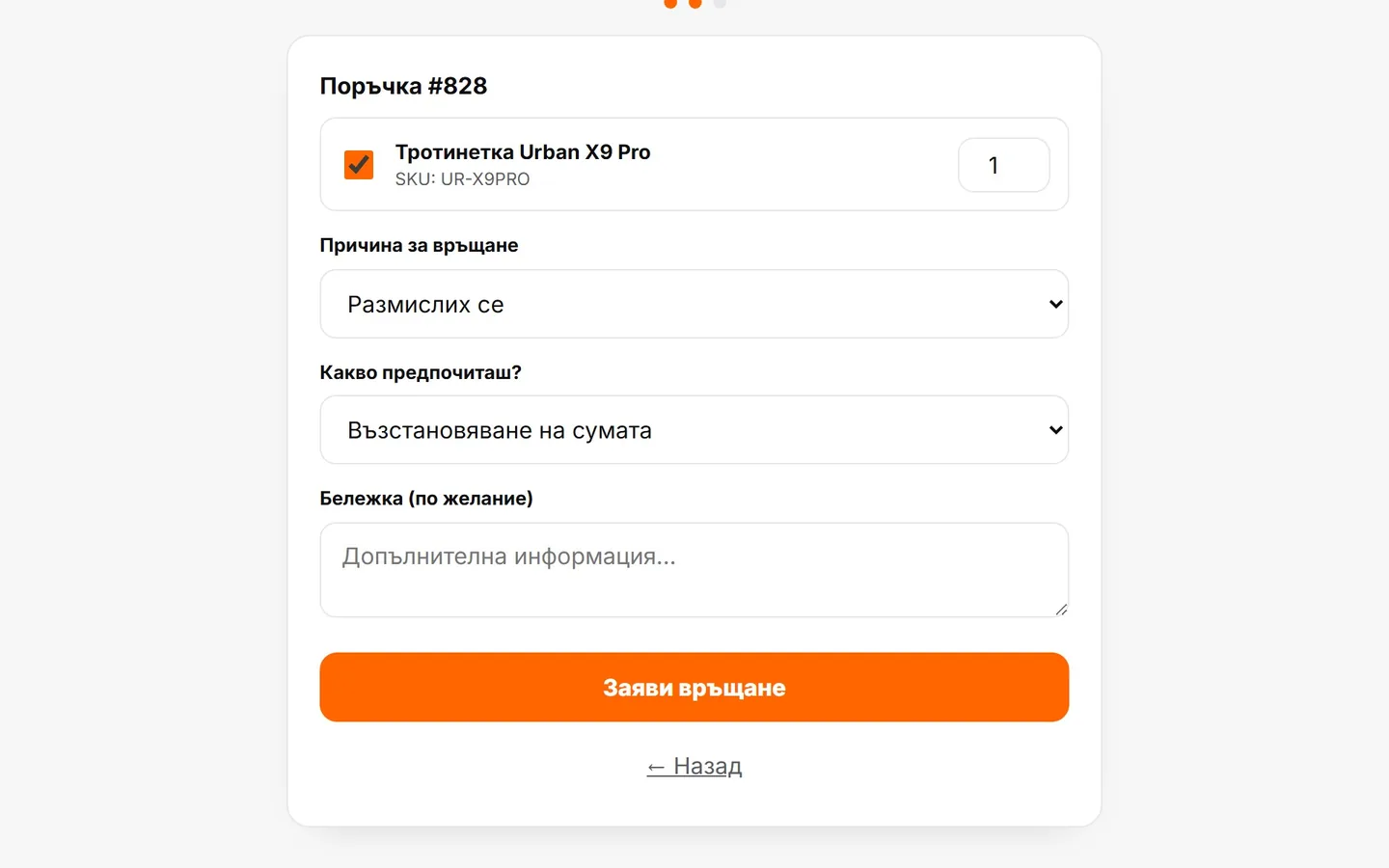
They choose what to return and why
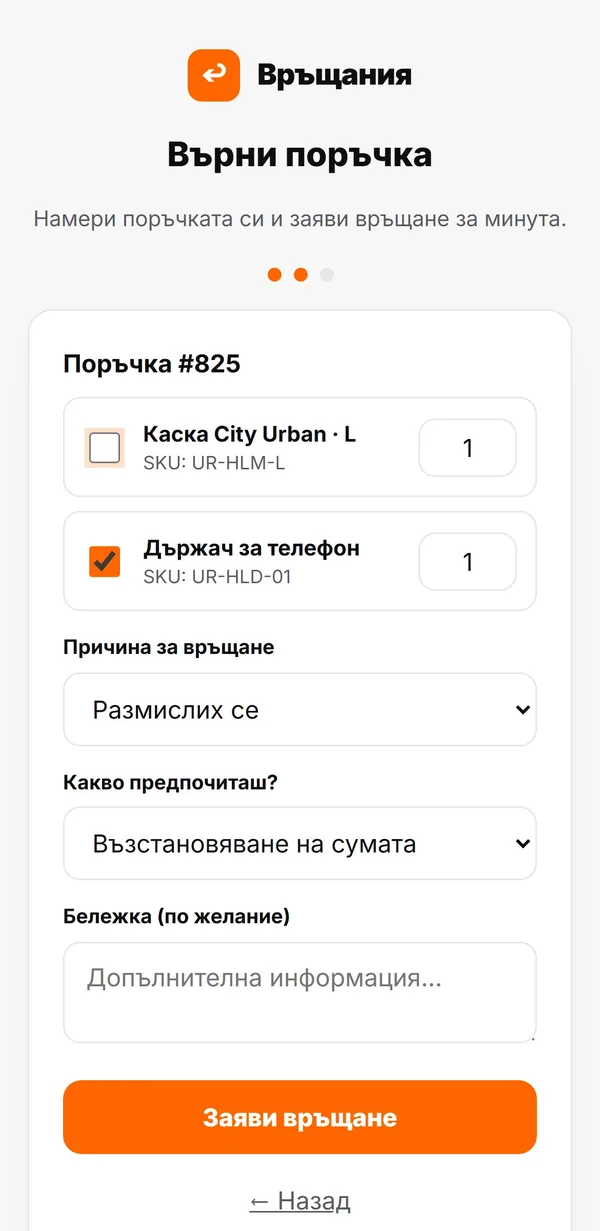
They tick the products, the reason and what they prefer: a refund, an exchange or a voucher.
- 03
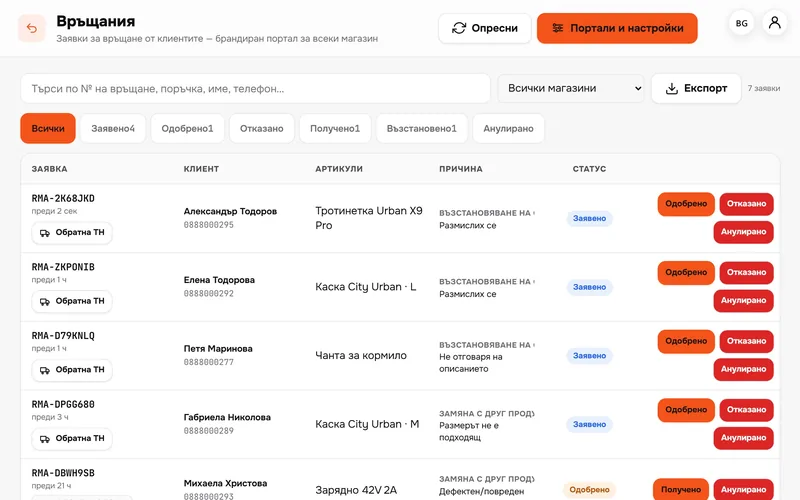
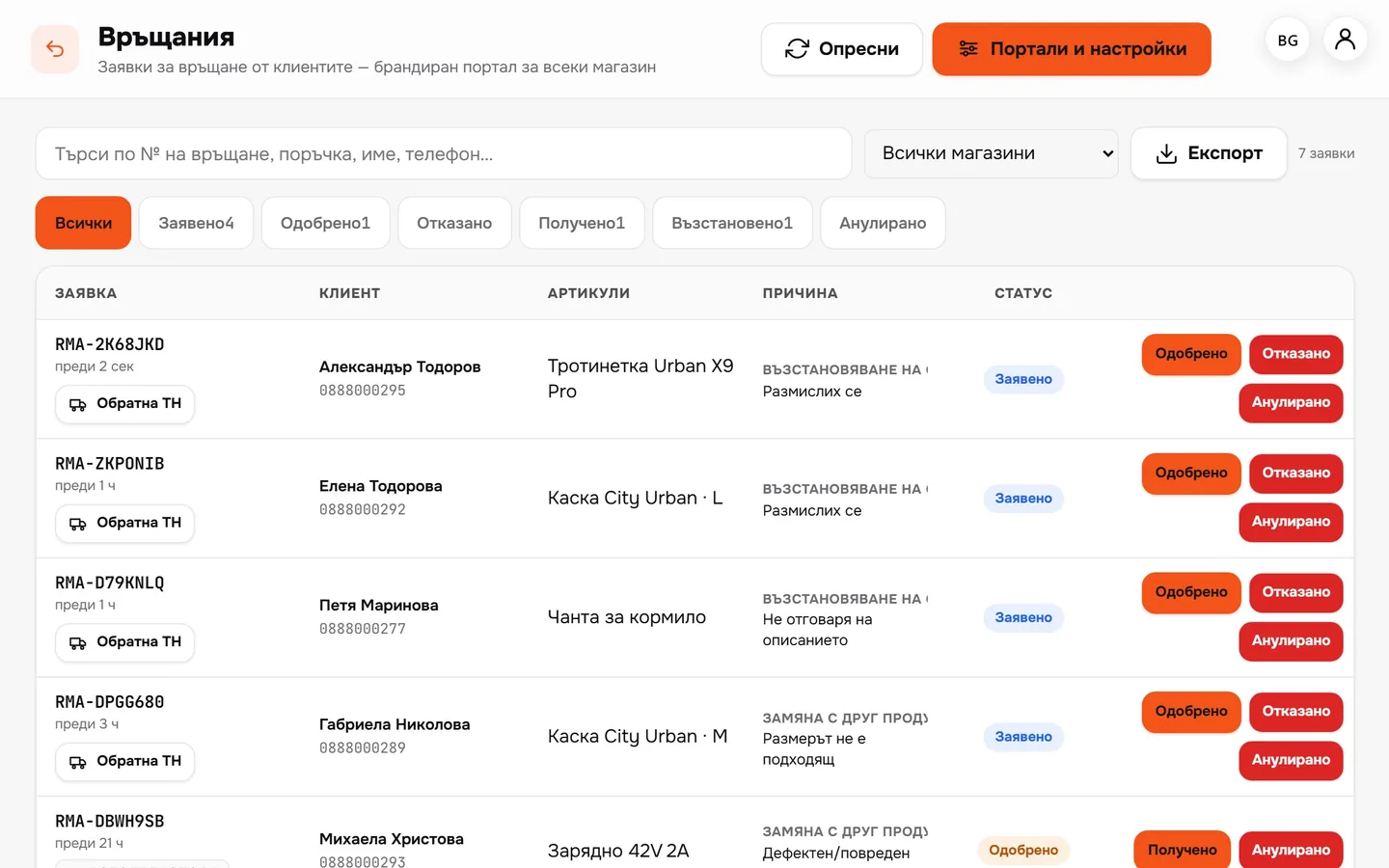
The request comes to you
Every return in one place: requested, approved, received, refunded. With the products and the reason.
- 04
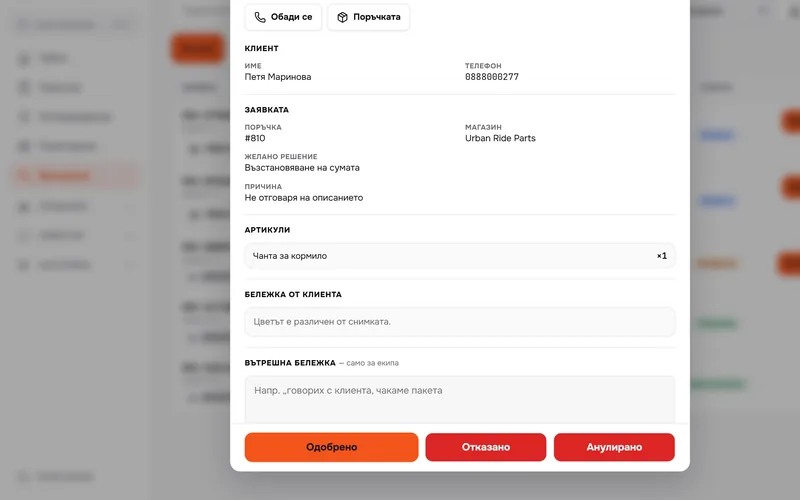
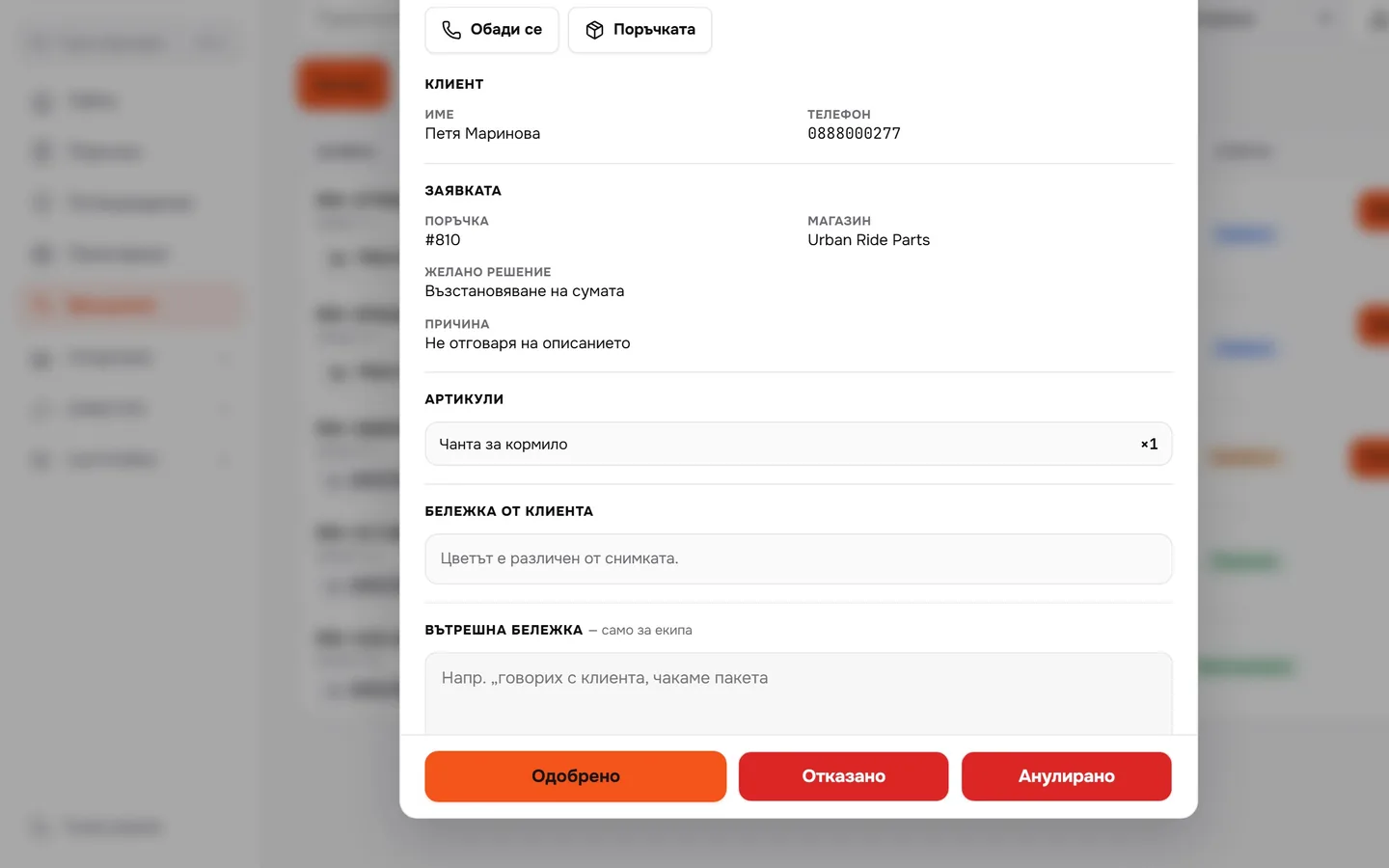
Approve in one click
You see the customer, the order and their note. If you turn it on, the return waybill is created automatically when you approve.
- 05
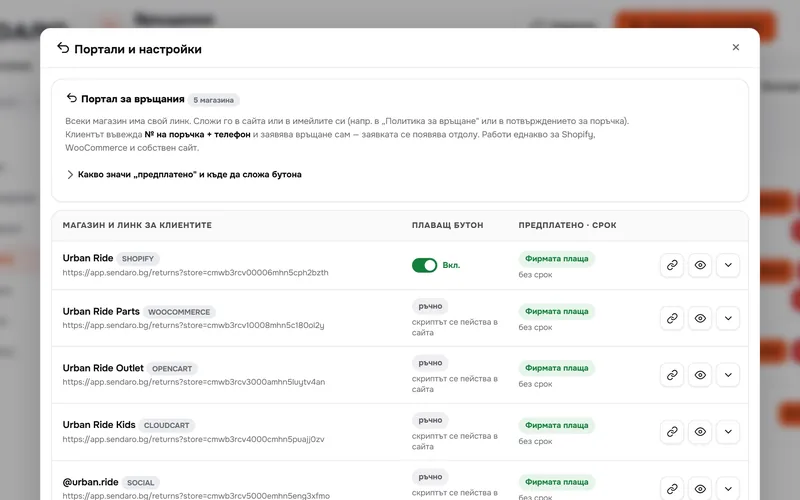
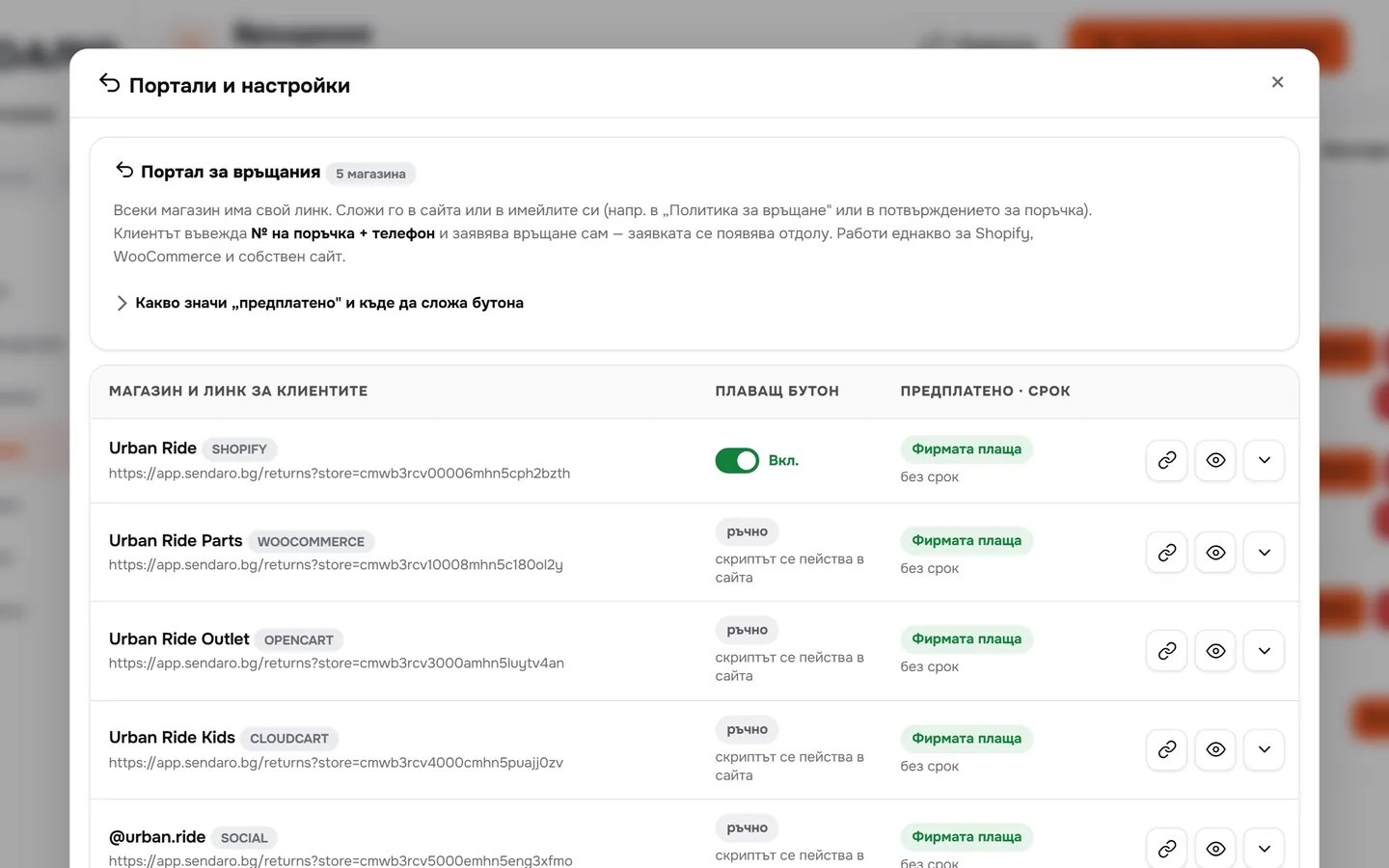
You set the rules
A portal link for every shop, who pays for return shipping, and how many days after delivery a return is allowed.
What you get
Returns no longer eat up your day.
No phone calls
Customers request the return themselves, from their phone. No dictating addresses.
Return waybill in one click
With Econt, Speedy and Pigeon. Or automatically, when you approve.
Just an order number and phone
A request opens only with the order number and the phone number on it.
Every return is tracked
Statuses, products and reasons in one place. You can download them.
Up close
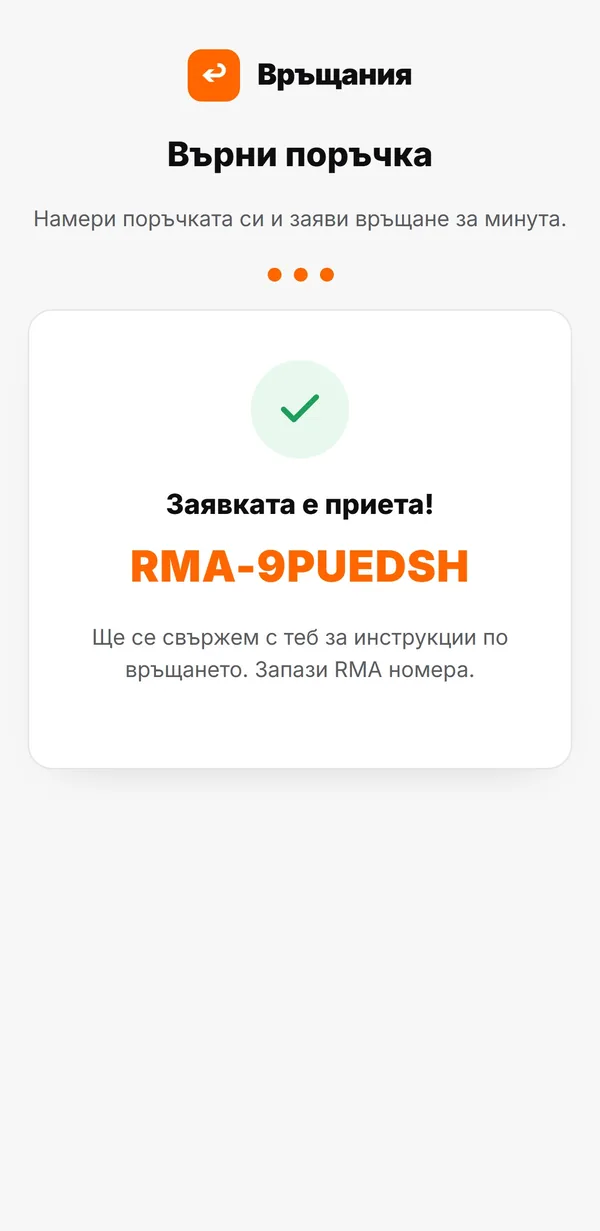
The portal on your customer’s phone.
Works with
Return waybills with your couriers.
Questions
Questions about returns.
Who pays for return shipping?
You choose for each shop: you (prepaid) or the customer.
Does the customer need a printer?
No. With a prepaid Econt return, the customer takes the parcel to an office and gives the waybill number.
Can I put a return label in the box?
Yes. The ‘Return label (in box)’ button on the order creates a return waybill and a PDF to print. The customer sends it back without a request.
Is there a return window?
If you set one: a number of days from delivery. After that, the portal no longer accepts requests for that order.
How do customers reach the portal?
Through your shop’s portal link: in an email, on your website or in a message. On Shopify, Sendaro can also add a floating ‘Return order’ button; on other sites you add it with a single script.